Best DJ Apps That Work With Music Streaming Services
Best DJ apps with streaming integration. Mix music from Spotify, Tidal, SoundCloud, and more. Free and paid options for beginners and pros.
Anúncios
DJ apps with streaming integration let you mix tracks from millions of songs without downloading files or buying individual tracks. Connect your streaming subscription and access a virtually unlimited library for live mixing.
How Do DJ Apps Connect to Streaming Services?
Anúncios
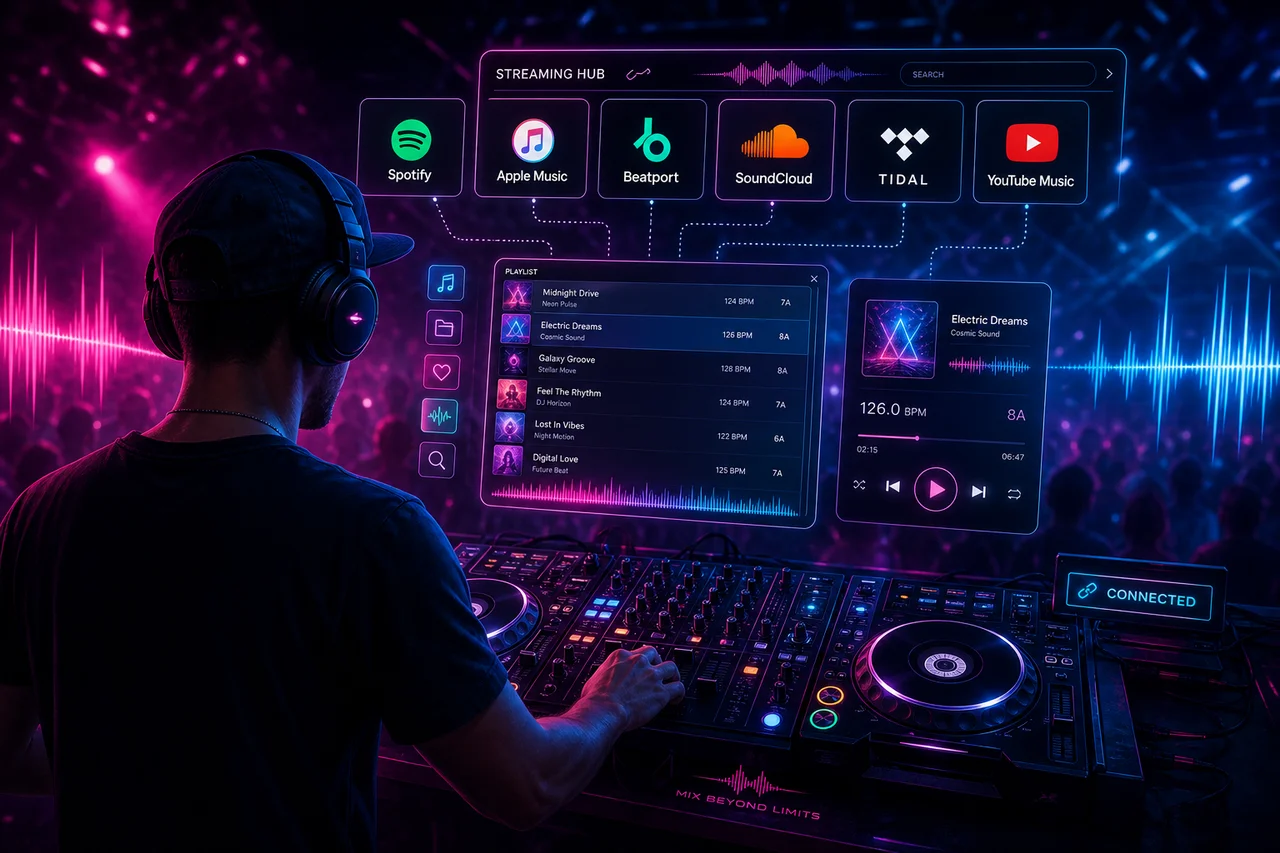
DJ apps use official APIs to stream tracks directly from platforms like Tidal, SoundCloud, and Beatport. You log in with your streaming account, and the DJ software accesses the full catalog for browsing, previewing, and mixing.
The connection requires a stable internet connection since tracks load in real time. Most professional DJ apps cache tracks locally during a session to prevent dropout during live performances.
Which Streaming Services Work With DJ Software?
Anúncios
- Tidal: Supported by djay, Serato, Virtual DJ, Traktor, and Rekordbox
- SoundCloud Go+: Works with djay, Serato, Virtual DJ, and Native Instruments
- Beatport Link: Integrates with Serato, Traktor, Rekordbox, and Virtual DJ
- Beatsource Link: Available in Serato, Virtual DJ, and Rekordbox
- Amazon Music: Supported in select DJ apps with recent API additions
- Spotify: Removed DJ integrations in 2020, no longer available in professional DJ software
What Happened to Spotify DJ Integration?
Spotify pulled its API access for third-party DJ apps in 2020, ending partnerships with djay, Virtual DJ, and others. The company cited licensing restrictions, frustrating DJs who relied on Spotify for their track libraries.
DJs who previously used Spotify had to migrate to Tidal or SoundCloud Go+ for streaming integration. Tidal became the most popular replacement thanks to its lossless audio quality and broad DJ software support.
Is djay the Best Mobile DJ App?
Algoriddim djay stands out with Tidal, SoundCloud, and local library integration across iPhone, iPad, Mac, and Android. Its neural mix AI separates vocals, drums, and harmonics in real time for creative remixing.
The app supports external DJ controllers and offers automix features for passive playlist DJing. djay Pro costs $49.99 as a one-time purchase or $6.99 monthly with a subscription that includes all premium features.
How Does Serato DJ Handle Streaming?
Serato DJ integrates with Tidal, SoundCloud Go+, Beatport Link, and Beatsource Link. The professional software lets DJs search, preview, and load streaming tracks onto virtual decks alongside local music files.
Serato caches streamed tracks locally for reliable playback during performances. The software analyzes BPM and key on the fly, applying the same beat-matching tools to streamed content as locally stored audio files.
Can Beginners Use DJ Apps With Streaming?
Absolutely. Apps like djay and Pacemaker are designed for casual users who want to mix music without professional hardware. Streaming integration means beginners can experiment with any song without purchasing tracks upfront.
Automix features handle beatmatching automatically, letting newcomers focus on track selection and transitions. Most apps include tutorial modes that teach basic mixing techniques step by step.
What Are the Audio Quality Considerations for DJ Streaming?
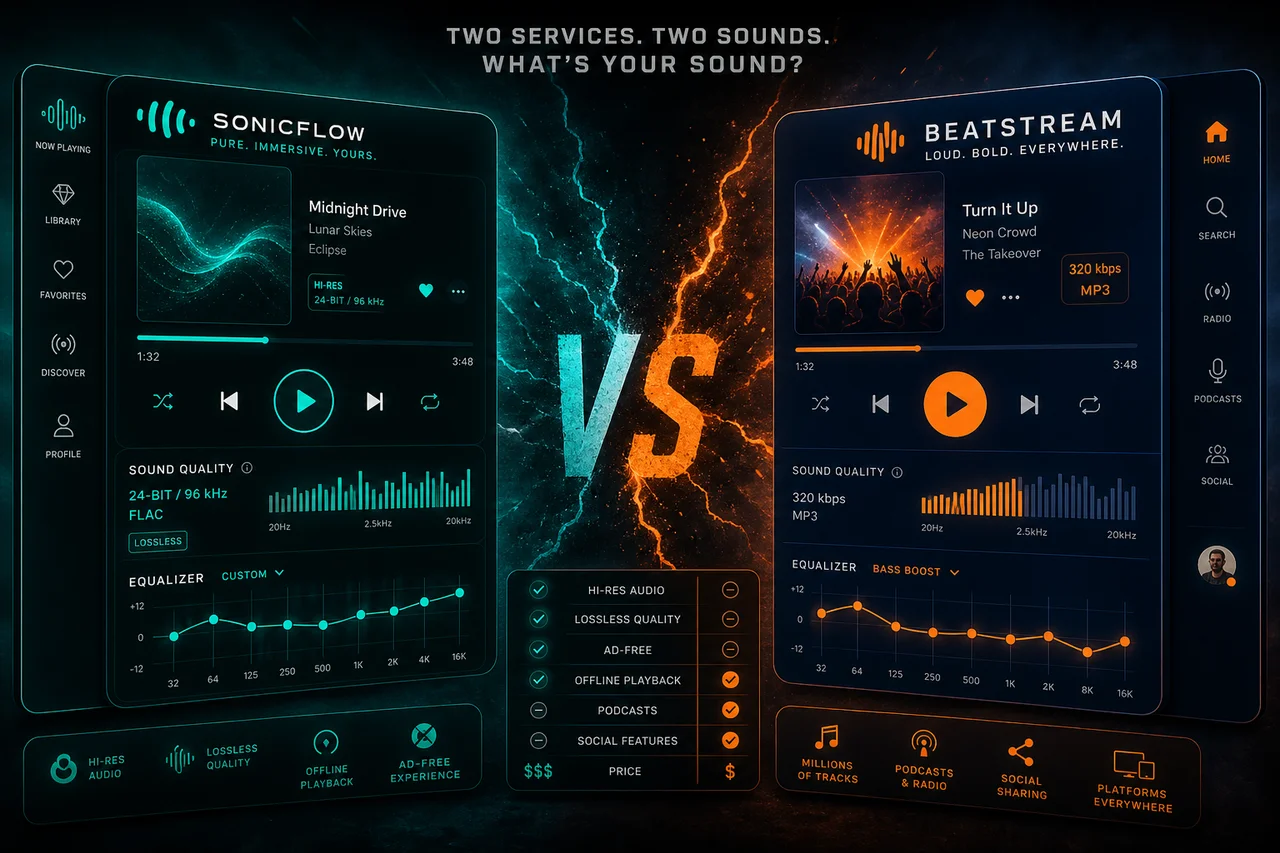
Tidal integration provides FLAC lossless audio for DJ mixing, matching or exceeding the quality of purchased digital files. SoundCloud streams at 256kbps, which works for casual sets but falls short for club sound systems.
Beatport Link offers high-quality streams optimized for DJ use. For professional gigs at large venues, many DJs still prefer locally stored lossless files to eliminate any risk of buffering or quality drops.
Do You Need a DJ Controller for Streaming Apps?
Mobile DJ apps work with just a touchscreen, making them perfect for casual mixing at house parties. Professional software like Serato and Traktor performs best with hardware controllers that provide physical faders and jog wheels.
Entry-level controllers from Pioneer, Numark, and Hercules start at $100 and connect via USB. These devices transform the streaming DJ experience from screen tapping to a tactile, hands-on performance.
How Reliable Is Streaming for Live DJ Performances?
Professional DJs typically pre-cache tracks before sets to avoid network dependency during performances. A dropped WiFi connection mid-set could silence the dance floor, so backup plans remain essential.
Many DJs use streaming for discovery and practice sessions while maintaining a downloaded library of core tracks for live gigs. This hybrid approach combines streaming's vast catalog with the reliability of local files.
What Does AI Mixing Bring to DJ Apps?
AI-powered mixing in apps like djay uses machine learning to analyze track structure, suggest compatible songs, and create smooth transitions automatically. Neural mix technology isolates vocals and instruments for creative mashups.
These AI features democratize DJing by handling technical complexity. Beginners can sound competent quickly, while experienced DJs use AI tools as creative springboards rather than autopilot replacements.
Which DJ App Should You Choose?
Choose djay for mobile-first mixing with AI features and broad streaming support. Pick Serato for professional club DJing with industry-standard controller compatibility. Select Virtual DJ for its massive feature set and free tier.
Your choice depends on whether you mix casually at home, perform at events, or produce creative remixes. Each app targets a different skill level and use case within the DJ ecosystem.