Best Music Streaming Apps for Kids and Young Listeners
Best music streaming apps for kids compared. Spotify Kids, Apple Music parental controls, YouTube Kids, and Amazon Music safety features reviewed.
Anúncios
Children love music, but parents worry about explicit content and screen time management. Several streaming platforms offer kid-friendly modes with curated libraries, parental controls, and age-appropriate content filters.
What Is Spotify Kids and How Does It Work?
Anúncios
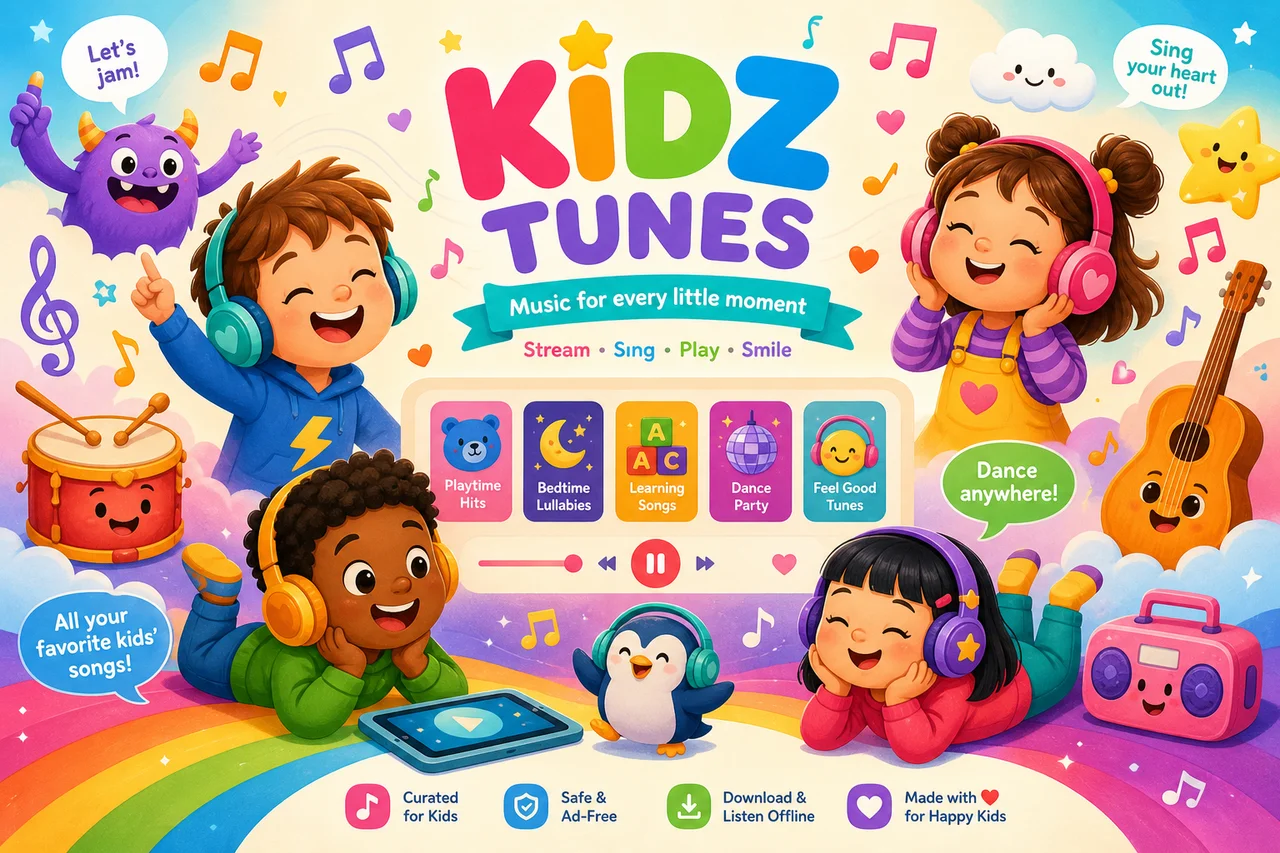
Spotify Kids is a standalone app included with Spotify Family plans. It offers a colorful, simplified interface designed for children with curated playlists featuring popular children's music, soundtracks, and educational audio content.
Parents control the experience through the main Spotify app. Settings allow choosing between content for younger kids and older kids, with different music selections appropriate for each age group.
Does Apple Music Have a Dedicated Kids Mode?
Anúncios
Apple Music lacks a standalone kids app but offers comprehensive parental controls through Screen Time settings. Parents can restrict explicit content, set daily usage limits, and control which features children can access.
Apple Music curates a Kids & Family section with playlists designed for different age ranges. The content filtering blocks songs tagged with explicit lyrics, though some borderline content may occasionally slip through automated filters.
How Safe Is YouTube Music for Children?
YouTube Music itself is not designed for children. YouTube Kids is the dedicated child-safe platform offering music videos alongside other content. Restricted Mode on YouTube Music filters explicit material but is not foolproof.
Parents should use YouTube Kids rather than YouTube Music for younger children. The Kids app features human-reviewed content, restricted comments, and a simplified interface preventing children from wandering into inappropriate content.
What Does Amazon Music Offer for Young Listeners?
Amazon Kids+ includes a curated music library alongside books, games, and videos for children. Parents set age filters, screen time limits, and content permissions through the Amazon Parent Dashboard for granular control.
Alexa devices support voice-controlled music playback with kid-friendly filters enabled. Children can ask Alexa to play songs by name, and the explicit content filter blocks age-inappropriate tracks from playing through smart speakers.
Which Parental Controls Actually Work Well?
- Spotify Kids: Separate app with fully curated content, no access to main Spotify catalog
- Apple Screen Time: Blocks explicit content, sets usage limits, requires parental passcode
- YouTube Kids: Human-reviewed content, timer controls, search restrictions
- Amazon Kids+: Age-based profiles, content approval, usage reports for parents
- Google Family Link: Controls YouTube Music access, sets daily limits, approves apps
Are Explicit Content Filters Reliable?
Explicit content flags depend on labels and distributors correctly tagging songs. Major label releases are reliably tagged, but independent tracks sometimes lack proper explicit markers, allowing occasional inappropriate content through filters.
No filter system is perfect. Parents should periodically check what children are listening to and report any incorrectly tagged content. Combining platform filters with occasional supervision provides the safest experience.
What Age Is Appropriate to Start Music Streaming?
Children as young as three enjoy music through parent-controlled apps like Spotify Kids and YouTube Kids. Independent streaming use suits children around eight to ten years old depending on digital literacy and parental comfort levels.
Teenagers typically want access to the full music catalog. At this stage, enabling explicit content filters on a standard streaming app balances independence with safety for most families.
How Can Music Streaming Benefit Children's Development?
Music exposure improves language development, emotional regulation, and cognitive skills in young children. Educational music playlists teach counting, alphabet recognition, and foreign language basics through engaging audio content.
Older children benefit from exploring different genres and cultures through curated world music collections. Active music listening builds attention span and emotional intelligence when paired with age-appropriate content selection.
Should Kids Have Their Own Streaming Account?
Family plans that provide individual child accounts work best for older children who want personalized recommendations. Shared accounts mix child and adult listening data, confusing the algorithm for both users.
Dedicated child accounts on family plans maintain separate libraries and recommendations while keeping billing under parental control. This setup respects growing independence without sacrificing oversight.
What Music Content Is Most Popular With Kids?
Disney soundtracks, pop hits from kid-friendly artists, and educational channels like Cocomelon and Super Simple Songs dominate children's streaming. Movie soundtracks from animated films consistently rank among the most streamed content.
Audio stories and music-based learning content are growing rapidly on streaming platforms. Podcast-style children's shows that blend music with storytelling engage kids for longer listening sessions than pure music playlists.
How to Set Up a Safe Listening Environment
Start by enabling explicit content filters on the chosen platform. Set daily screen time limits through device parental controls. Use dedicated kids apps where available rather than relying solely on content filters.
Create curated playlists together with your child to encourage healthy music exploration. This collaborative approach teaches children to make thoughtful content choices while ensuring parents stay involved in the selection process.
Which Service Is Best for Kids Overall?
Spotify Kids offers the safest standalone experience for younger children with fully curated content. Apple Music parental controls work best within the Apple ecosystem. Amazon Kids+ provides the most comprehensive all-in-one children's content platform.
For teenagers, any major streaming service with explicit content filters enabled provides a reasonable balance. The choice ultimately depends on your household's existing device ecosystem and which platform the family already uses.