How to Download Music for Offline Listening on Any App
Guide to downloading music for offline listening on Spotify, Apple Music, YouTube Music, Amazon Music, and Tidal. Tips and limits explained.
Anúncios
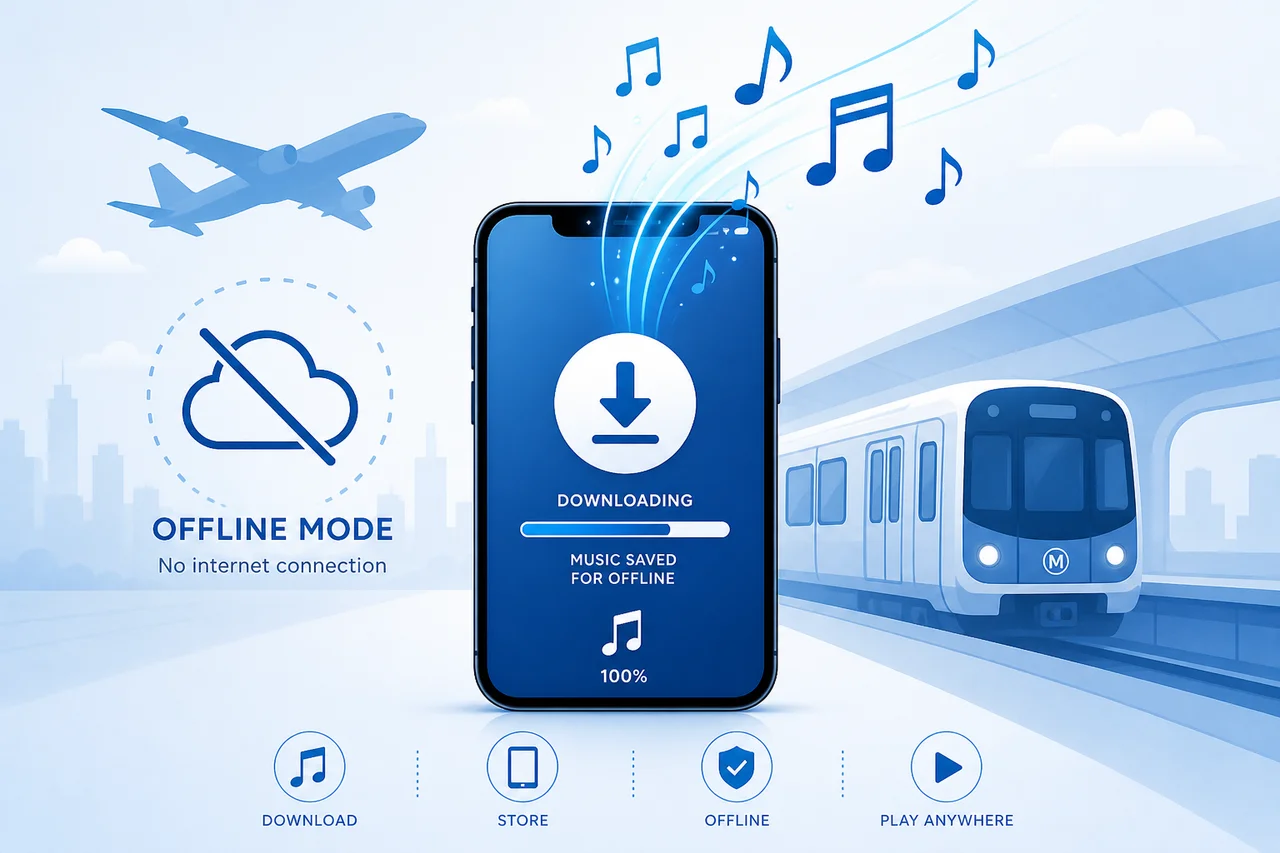
Offline downloads let you keep your music playing during flights, subway commutes, and camping trips with no cell signal. Every major streaming service supports this feature, but download limits, quality settings, and expiration rules vary.
Why Should You Download Music Instead of Streaming?
Anúncios
Streaming over cellular networks eats data quickly, especially at high quality settings. Downloading tracks over WiFi beforehand saves gigabytes of monthly data and prevents buffering interruptions in areas with weak coverage.
Offline playback also reduces battery drain since the device avoids constant network requests. Pre-downloaded tracks play directly from local storage, keeping your phone running longer during extended listening sessions.
How to Download Songs on Spotify
Anúncios
Spotify Premium users tap the download toggle on any playlist, album, or podcast. A green arrow icon confirms the download completed. Spotify allows up to 10,000 songs across five devices with Premium subscriptions.
Quality settings for downloads range from Low (24kbps) to Very High (320kbps). Higher quality takes more storage space but sounds noticeably better through quality headphones. Choose based on your available device storage.
Does Apple Music Let You Download Lossless Tracks?
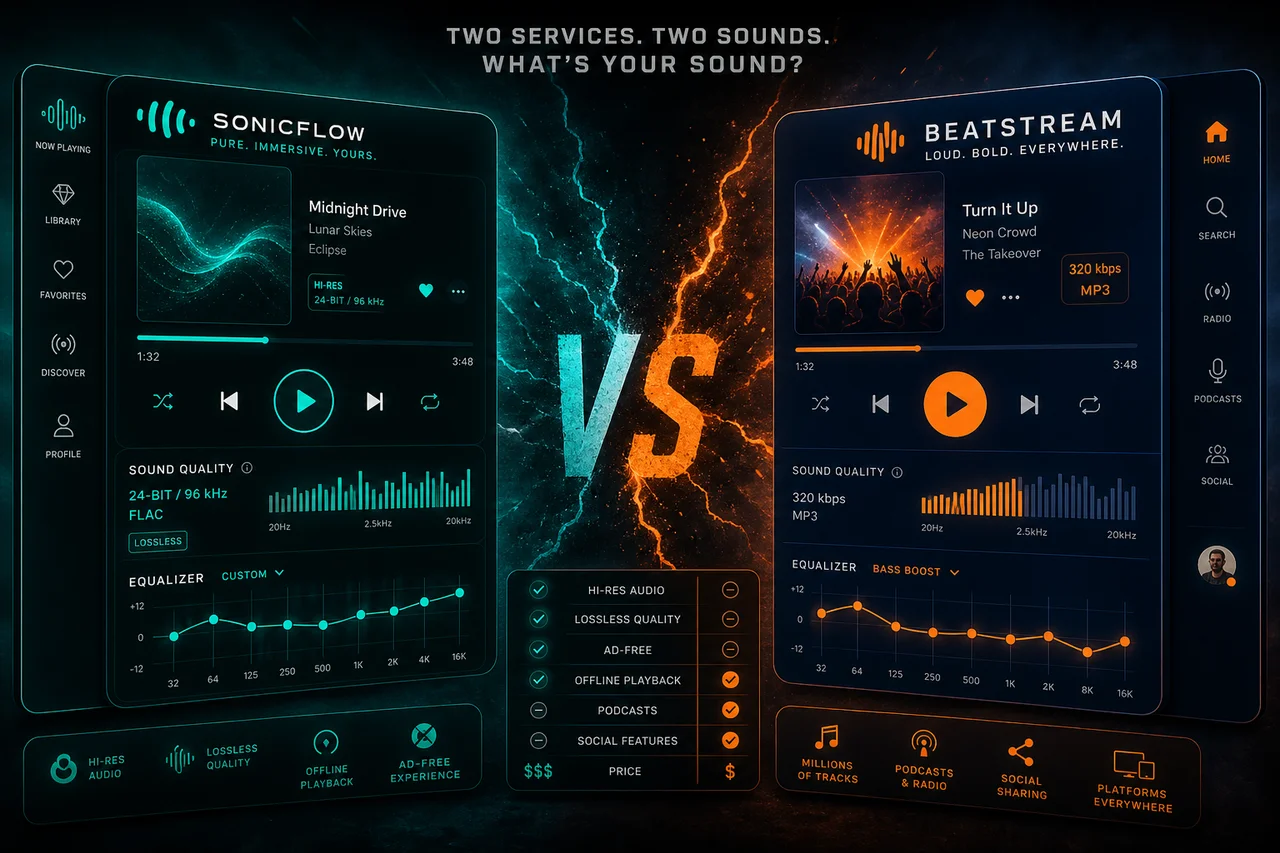
Apple Music allows downloading in lossless ALAC format for offline listening. A single lossless album can consume 500MB to 1GB of storage. Hi-res downloads at 24-bit/192kHz require even more space per track.
Your Apple Music library supports up to 100,000 songs with no explicit per-device download limit. Downloaded lossless tracks play through wired connections or compatible DACs for full quality reproduction.
What Are YouTube Music Smart Downloads?
YouTube Music automatically downloads recommended tracks when connected to WiFi through its Smart Downloads feature. The app analyzes your listening patterns and pre-caches songs you are likely to play next.
You control the maximum storage Smart Downloads can use, typically 1-5GB. Manual downloads are also available for any album, playlist, or single track. Both require a YouTube Music Premium subscription.
How Much Storage Do Offline Downloads Require?
- Low quality (128kbps): ~1MB per minute, ~60MB per hour
- Normal quality (256kbps): ~2MB per minute, ~120MB per hour
- High quality (320kbps): ~2.5MB per minute, ~150MB per hour
- Lossless FLAC/ALAC: ~5-8MB per minute, ~400MB per hour
- Hi-res 24-bit/192kHz: ~12-15MB per minute, ~800MB per hour
Do Downloaded Songs Expire After a Certain Period?
Most streaming services require periodic online check-ins to verify your subscription remains active. Spotify needs connection at least once every 30 days. Apple Music checks every few weeks depending on the device.
If your subscription lapses, downloaded tracks become unplayable immediately. Re-subscribing restores access to previously downloaded content without needing to download everything again from scratch.
Can You Download Music on a Free Tier?
Free tiers on Spotify and YouTube Music do not support offline downloads. Only premium subscriptions unlock the download feature. Apple Music has no free tier, so all subscribers get download access automatically.
Amazon Music Prime includes limited offline downloads within its curated playlists. Full download flexibility requires Amazon Music Unlimited which lets you save any track from the complete catalog.
How to Manage Download Storage Efficiently
Review downloaded content monthly and remove albums you have finished or no longer enjoy. Most apps show total download storage in settings, making it easy to identify which playlists consume the most space.
Use SD card storage on Android devices to keep downloads off internal memory. Spotify, YouTube Music, and Amazon Music all support external SD card storage for offline content.
What Happens to Downloads When You Switch Devices?
Downloads do not transfer between devices. Signing into a new phone requires re-downloading all offline content. Your download queue and selections sync through the cloud, but actual audio files stay on each device.
De-authorizing an old device frees up a download slot for the new one. Spotify limits downloads to five devices while Apple Music supports more devices through iCloud account management.
Are There Legal Ways to Download Music Permanently?
Streaming downloads are DRM-protected and tied to active subscriptions. For permanent ownership, purchase tracks through iTunes Store, Amazon Music digital store, Bandcamp, or Qobuz which sells DRM-free FLAC files.
Purchased music remains yours forever regardless of subscription status. Bandcamp especially supports artists directly with higher revenue shares and offers downloads in multiple lossless formats.
Tips for the Best Offline Listening Experience
Download content before trips while connected to fast WiFi. Create dedicated offline playlists for specific activities like flying, running, or commuting. Enable auto-download for favorite podcast shows to stay current.
Test your downloaded content in airplane mode before departing to confirm everything plays correctly. Occasionally, downloads corrupt or expire silently, so verification prevents unpleasant surprises mid-flight.
Which Service Handles Offline Downloads Best?
Apple Music leads with the highest download limits and lossless offline quality. Spotify excels in ease of use with one-tap playlist downloads. YouTube Music's Smart Downloads feature automates the entire process intelligently.
Amazon Music integrates well with Alexa routines for automatic downloading. Tidal offers offline lossless and hi-res MQA downloads for audiophiles who want studio-quality sound without an internet connection.