Live TV Streaming Options That Cover Sports, News, and Local Channels in One App
Compare live TV streaming options covering sports, news, and local channels. Find the best all-in-one app to replace cable without missing key content.
Anúncios
Cutting the cord sounds liberating until you realize Sunday football, morning news, and local weather forecasts vanish overnight. The right live TV streaming app bundles all three without the cable bill.
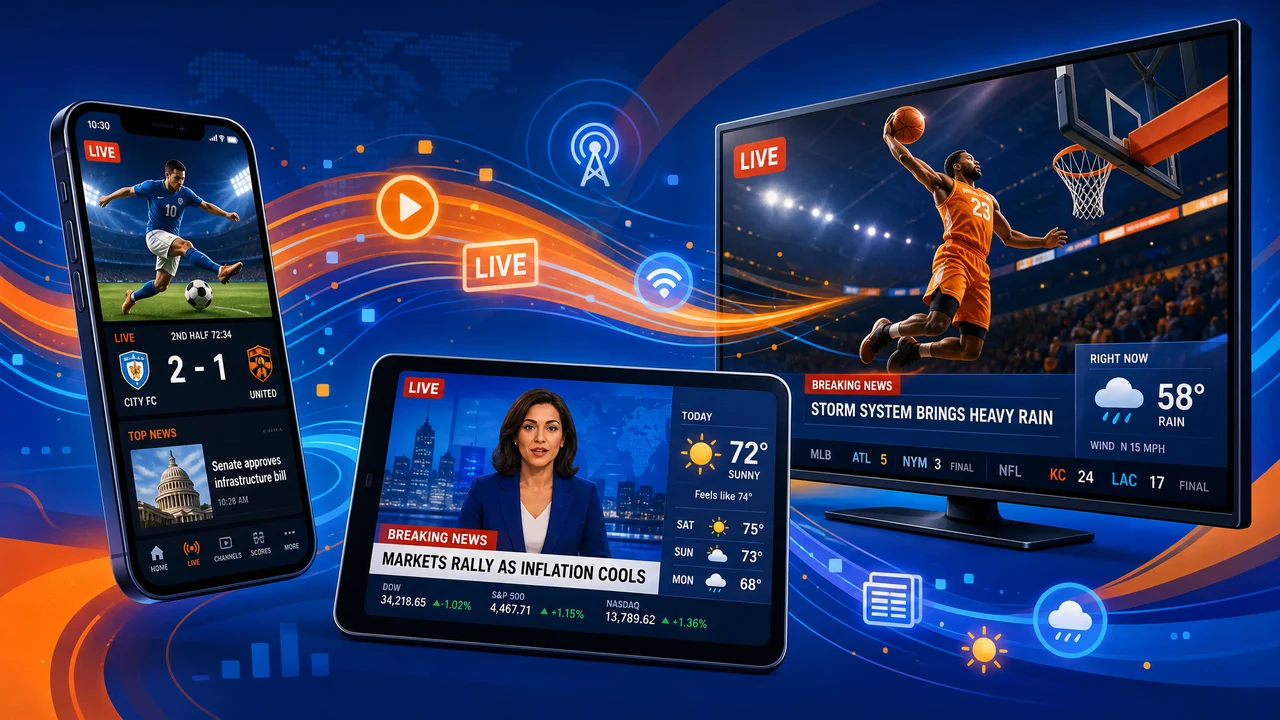
Choosing between YouTube TV, Hulu + Live TV, Sling, and FuboTV means comparing channel lineups, DVR limits, and regional availability. Each platform makes different trade-offs worth understanding before you subscribe.
Anúncios
This guide breaks down which services deliver sports, news, and local stations together, and where each one falls short so you can make a confident switch.
Channel Lineup Breakdown: Matching Your Must-Haves to the Right Service
Picking a live TV streaming service starts with listing the five channels you watch every week. Most people overestimate how many channels they need and underestimate which ones they actually use.
Anúncios
YouTube TV carries over 100 channels including ESPN, CNN, and local ABC, CBS, NBC, and Fox affiliates. FuboTV leads in international sports but drops Turner networks like TNT and TBS entirely.
Local Affiliate Availability Varies by ZIP Code
Local channels depend on your physical address, not your billing address. Enter your ZIP code on each provider's website before signing up to confirm your ABC, NBC, CBS, and Fox affiliates appear.
Sling TV skips local broadcast channels entirely on its base plans. You can add them through the AirTV integration or a separate antenna, but that requires extra hardware sitting near a window.
Hulu + Live TV includes locals in most major markets. Smaller cities may lack one or two affiliates. Check the channel checker tool at signup, and keep a $20 indoor antenna as a backup.
Sports Networks That Separate Contenders From Pretenders
If you follow NFL, NBA, and MLB across networks, YouTube TV covers ESPN, Fox Sports, CBS Sports, and NFL Network in one package. No add-on purchases needed for those four.
FuboTV targets soccer fans with beIN Sports, Liga MX, and Serie A rights built into the base plan. However, dropping TNT means missing half the NBA playoff games every spring.
Sling Orange carries ESPN and TNT at $40 per month, making it the cheapest live TV streaming entry point for basketball and Monday Night Football. Add Sling Blue for Fox and NBC sports.
| Service | Local Channels | Sports Networks | News Channels | Takeaway |
|---|---|---|---|---|
| YouTube TV | ABC, CBS, NBC, Fox (most markets) | ESPN, FS1, NFL Network, NBA TV | CNN, MSNBC, Fox News, BBC World | Best all-rounder for U.S. viewers who want everything in one place |
| Hulu + Live TV | ABC, CBS, NBC, Fox (most markets) | ESPN, FS1, TNT, TBS | CNN, MSNBC, Fox News, CNBC | Strong pick if you also want Hulu originals and Disney+ bundled in |
| Sling Orange + Blue | None (antenna required) | ESPN, TNT, FS1, NFL Network | CNN, MSNBC, Fox News, HLN | Cheapest combo but requires antenna for local channels |
| FuboTV | ABC, CBS, NBC, Fox (most markets) | beIN, FS1, ESPN, NFL Network | MSNBC, CNBC (no CNN) | Best for soccer and international sports; weak on basketball |
| DirecTV Stream | ABC, CBS, NBC, Fox (all markets) | ESPN, RSNs, NFL Network, TNT | CNN, MSNBC, Fox News, NewsNation | Only option with full RSN coverage; highest price at $80+/mo |
DVR and On-Demand Features That Determine Daily Convenience
A generous DVR turns live TV streaming into something better than cable. Recording capacity and storage duration vary wildly, and the gap affects how you watch everything from playoff games to weeknight sitcoms.
YouTube TV offers unlimited DVR storage with recordings held for nine months. That single feature eliminates the "will I run out of space" anxiety that plagued physical DVR boxes for decades.
Cloud DVR Storage Limits Worth Checking Before Signup
Hulu + Live TV includes unlimited DVR with recordings saved for nine months. FuboTV gives 1,000 hours of cloud storage, which covers roughly 500 one-hour episodes before you need to delete anything.
Sling TV provides just 50 hours on its base plan. Upgrading to DVR Plus adds 200 hours for an extra $5 per month. If you record daily news and weekly sports, 50 hours fills up within three weeks.
- Record entire series, not individual episodes. Set a series recording once and every new episode captures automatically. This prevents gaps when networks shift air dates without warning during holiday weeks.
- Check skip-forward restrictions on recordings. Some services force you to watch ads on DVR playback for certain networks. Hulu previously locked fast-forward on select channels; verify this before relying on DVR for ad-free viewing.
- Delete old sports recordings monthly. A single NFL Sunday generates 10+ hours of content. Set a calendar reminder to clear completed games so your DVR does not fill with unwatched blowouts from October.
- Test DVR playback quality before committing. Record a fast-action sports scene during a free trial and play it back. Compression artifacts during motion reveal whether the service encodes recordings at acceptable bitrates.
- Confirm simultaneous recording limits. YouTube TV records unlimited simultaneous streams. Sling TV caps at one recording if another is playing live, which creates conflicts on busy sports Saturdays.
DVR quality separates a true cable replacement from a compromise. Prioritize unlimited storage and long retention windows when comparing live TV streaming plans side by side.
Multiscreen Streaming and Household Sharing Rules
YouTube TV allows three simultaneous streams on one account. Hulu + Live TV matches that number but charges $10 per month for unlimited screens if your household needs more.
FuboTV stands out with ten simultaneous streams on its base plan. A family of four watching different channels in different rooms never hits that ceiling, making it the friendliest live TV streaming option for large households.
- Count devices per household, not per person. Bedrooms, kitchens, and home gyms each represent a potential simultaneous stream. Tally every screen before selecting a plan to avoid mid-game lockouts.
- Use the family sharing feature when available. YouTube TV's family group lets six accounts share one subscription with individual DVR libraries and recommendations, keeping everyone's watchlist separate.
- Check mobile streaming restrictions while traveling. Most live TV streaming services use GPS to verify your home location. Watching away from home works for a limited period, usually three months, before they restrict access.
- Test 4K streams on your primary TV first. FuboTV charges $10 extra for 4K. YouTube TV includes it for select events. Verify your TV and internet actually support 4K before paying the premium.
- Set up profiles for each viewer. Separate profiles prevent one person's sports recordings from cluttering another's DVR queue. Hulu and YouTube TV both support profile-level DVR organization.
Household size shapes the right plan more than channel count does. Match your screen total and sharing needs to the service before comparing prices alone.
Pricing Tiers and Hidden Costs That Change the Real Monthly Bill
Advertised prices tell half the story. Regional sports fees, DVR upgrades, and add-on channels push most live TV streaming bills $15 to $30 above the sticker price within the first month.
YouTube TV costs $73 per month. Hulu + Live TV starts at $77 but includes Disney+ and ESPN+. That bundle changes the math entirely if you already pay for those services separately.
Regional Sports Network Fees Nobody Mentions at Checkout
DirecTV Stream is the only major live TV streaming service still carrying most regional sports networks. If you follow a local MLB or NBA team, RSN access might force your hand regardless of base price.
YouTube TV dropped several RSNs in recent years. Check whether your team's network appears in the channel list by searching the team name on the provider's site before assuming coverage.
FuboTV carries select RSNs in certain markets. The inconsistency means two neighbors on the same street might get different local team coverage. Always verify with your specific ZIP code at signup.
Free Trials and Annual Prepay Discounts Worth Pursuing
YouTube TV and FuboTV run free trials between five and seven days. Schedule your trial during a week with games you care about, so you test the experience under real viewing conditions.
Sling TV skips the free trial but runs half-price first-month promotions. At $20 for the first month of Sling Orange, you get a full 30 days to stress-test sports, news, and DVR quality.
Hulu + Live TV bundles Disney+ and ESPN+ at no extra charge. If you currently pay $16 for Disney+ separately, subtract that from the Hulu price when comparing to YouTube TV's standalone cost.
Picking the Right Live TV Streaming Fit for Your Household
No single service wins every category. YouTube TV leads in DVR and channel breadth, FuboTV excels for soccer and large households, and Sling keeps costs lowest for minimal channel needs.
Write down your top five channels, count your household screens, and check local affiliate availability. Those three data points narrow the field to one or two realistic options within minutes.
The best live TV streaming plan is the one you stop thinking about after setup. Match the service to your actual habits, run a trial during a busy sports week, and commit only when it feels effortless.