Streaming Account Security Steps That Prevent Password Sharing Lockouts and Hacks
Protect your streaming accounts with security steps that prevent password sharing lockouts, unauthorized access, and credential stuffing attacks across every platform you use.
Anúncios
Why Is Streaming Account Security More Important Than Ever?
Streaming platforms now store payment details, viewing history, personal information, and household data that makes them attractive targets for hackers and data thieves. Credential stuffing attacks—where stolen username and password combinations are tested across services—hit streaming accounts at alarming rates every day.
Anúncios
Password sharing crackdowns by major services have added another layer of complexity to account security. Accounts flagged for unauthorized sharing face lockouts, forced password resets, and in severe cases, permanent suspensions that lock you out of paid content.
Protecting your streaming accounts isn't paranoia—it's practical digital maintenance that takes minutes but prevents hours of recovery headaches. A compromised account can lead to unauthorized charges, lost viewing history, and the frustration of navigating customer support to prove you're the legitimate owner.
How Do Credential Stuffing Attacks Target Streaming Accounts?
Anúncios
Attackers purchase leaked credential databases from data breaches at other services and use automated tools to test millions of email and password combinations against streaming login pages within hours. The success rate is surprisingly high because so many people reuse passwords.
If you use the same password across multiple sites, your streaming accounts become low-hanging fruit. A breach at an unrelated shopping site or gaming forum can hand attackers the exact credentials they need to access your Netflix, Hulu, or Disney+ account without any sophisticated hacking.
Compromised accounts are sold on dark web marketplaces for a few dollars each. Buyers get access to premium subscriptions without paying the monthly fee, while the legitimate account holder gets locked out, discovers unfamiliar profiles, or gets stuck with charges for upgrades they never authorized.
What Makes a Strong Password for Streaming Services?
A strong streaming password uses at least 16 characters combining uppercase and lowercase letters, numbers, and symbols. Avoid anything connected to your name, birthday, pet's name, or common dictionary words that automated cracking tools can guess through brute-force attempts.
Password managers generate and store complex unique passwords so you never have to memorize them. Services like Bitwarden, 1Password, and the built-in credential managers in iOS and Android handle this seamlessly across all your devices and browsers.
- Use a completely unique password for every streaming service you subscribe to
- Aim for 16 or more characters with a mix of uppercase, lowercase, numbers, and symbols
- Avoid dictionary words, names, birthdays, and common substitutions like @ for a
- Let a password manager generate and securely store all your streaming credentials
- Change passwords immediately after receiving any data breach notification from any service
Should You Enable Two-Factor Authentication on Every Streaming Account?
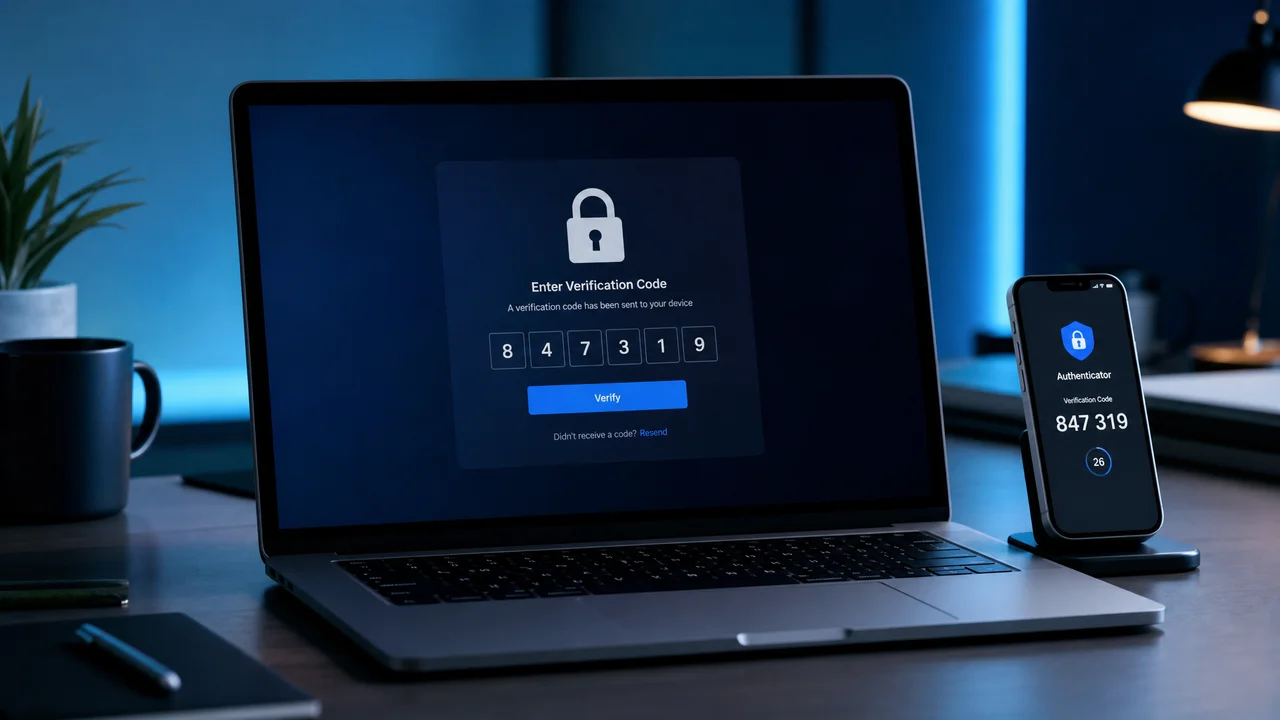
Enable two-factor authentication (2FA) on every streaming service that offers it. This adds a verification step beyond your password—typically a six-digit code sent to your phone or generated by an authenticator app—that blocks attackers even if they have your password.
Apple TV+, Paramount+, and services tied to Google or Apple accounts benefit from those ecosystems' robust built-in 2FA. Netflix and some other major platforms have been slower to implement full 2FA support, making exceptionally strong passwords even more critical there.
Authenticator apps like Google Authenticator, Authy, or Microsoft Authenticator provide stronger protection than SMS-based codes. SIM swapping attacks can intercept text messages, but authenticator apps generate codes locally on your device without relying on your phone network.
How to Detect Unauthorized Access to Your Streaming Account
Check your recently watched list regularly for unfamiliar titles. Unexpected profile additions, shows marked as watched that you haven't seen, or changes to your continue-watching queue are telltale signs that someone else has gained access to your account.
Most services let you view active sessions or recently logged-in devices through account settings. Netflix shows this information under the security section, and Disney+ displays it in device management. Review these logs at least once per month for anything you don't recognize.
Unexpected password reset emails or payment method change notifications warrant immediate action. Don't ignore these alerts or dismiss them as spam—they frequently indicate an active compromise in progress where someone is trying to take over your account.
What Steps Should You Take If Your Account Gets Hacked?
- Change your password immediately from a trusted device that you know is secure
- Sign out of all active sessions through the account settings security section
- Enable two-factor authentication if the platform supports it
- Check your linked payment method for unauthorized charges or plan upgrades
- Contact the platform's customer support team to report the unauthorized access
- Update passwords on any other accounts that used the same compromised credentials
Speed matters critically when responding to a compromise. The faster you lock down access by changing credentials and terminating sessions, the less damage an attacker can cause to your account, billing information, and personal data.
Document everything during the recovery process. Screenshot unfamiliar viewing activity, note timestamps of unauthorized logins, and save support ticket numbers. This documentation helps if you need to dispute charges with your bank or escalate issues with customer support.
How Do Password Sharing Crackdowns Affect Account Security?
Netflix, Disney+, and other services now track IP addresses, device locations, and login patterns to identify password sharing outside the subscriber's household. Accounts accessed from multiple geographic locations trigger verification prompts and temporary lockouts.
These crackdowns create a security side effect: legitimate users who travel frequently or use VPNs for privacy may face repeated verification challenges. Setting a primary household location in your account settings helps reduce false positives during enforcement sweeps.
The verification process itself introduces phishing risks. Attackers send fake verification emails mimicking Netflix or Disney+ that direct victims to credential-harvesting pages. Always navigate directly to the streaming service's website rather than clicking links in unexpected emails.
Are VPNs Safe to Use with Streaming Services?
VPNs encrypt your connection and mask your IP address but can trigger account security flags on streaming platforms. Services actively detect VPN IP ranges and may lock your account temporarily or restrict content access when they identify VPN usage.
If you use a VPN for legitimate privacy reasons, choose a reputable paid provider with dedicated streaming-optimized servers. Avoid free VPN services entirely—they frequently sell user browsing data to third parties and may actually reduce your overall security rather than enhance it.
How Often Should You Audit Your Streaming Account Settings?
Run a thorough security audit on each streaming account quarterly. Check connected devices, authorized third-party apps, email addresses on file, recovery phone numbers, and payment methods. Remove anything you don't recognize or no longer use immediately.
Set a calendar reminder for this audit every three months. Most people configure streaming accounts once during initial setup and never revisit the security settings, leaving stale devices connected and outdated recovery options that create exploitable vulnerabilities over time.
What Role Do Email Security and Recovery Options Play?
Your email account is the master key to every streaming service tied to it. If an attacker compromises your primary email, they can initiate password resets across all linked platforms within minutes, gaining access to every streaming account simultaneously.
Secure your primary email with a strong unique password and two-factor authentication before worrying about individual streaming accounts. Add a recovery phone number and backup email address to prevent complete lockout scenarios if your primary email gets compromised.
Consider using email aliases or a dedicated email address for streaming subscriptions. This isolates your entertainment accounts from your primary email, limiting the blast radius if either account category is compromised in a future data breach.
Can Smart TV Apps Compromise Your Streaming Security?
Smart TV apps store login tokens locally on the device, which means anyone with physical access to your television can access your streaming accounts without knowing your password. Public settings like hotel rooms, vacation rentals, and shared living spaces amplify this risk significantly.
Always sign out of streaming apps on devices you don't own or control. Use the sign-out-all-devices feature from your phone or computer after staying somewhere with a shared television to revoke any lingering authentication tokens that could grant continued access.
How to Set Up Family Profiles Without Compromising Security
Use individual profiles with PIN protection for each family member rather than sharing a single login across the household. Most streaming services support four to six profiles per account, and PINs prevent unauthorized access to specific profiles on shared devices.
Avoid sharing your master account password directly with family members. Instead, configure their profiles yourself and use the platform's built-in household sharing features, which are specifically designed to maintain account security while allowing legitimate multi-user access within one home.
What Security Features Should You Demand from Streaming Platforms?
Expect login notifications, comprehensive device management dashboards, and two-factor authentication as baseline features from any streaming service handling your payment information. Platforms that lack these fundamental security measures are behind accepted industry standards.
Push for passkey support, which replaces traditional passwords entirely with biometric authentication tied to your device. Apple, Google, and Microsoft have embraced passkeys across their ecosystems, and streaming services that adopt this standard will dramatically reduce account compromise rates.
Session timeout controls, login attempt limits, and geographic access restrictions represent the next frontier of streaming security features. As accounts become more valuable, the platforms that invest in security will retain subscribers who prioritize protecting their digital lives.