Podcast Streaming Apps That Organize Episodes and Sync Across All Your Devices
Compare top podcast streaming apps that organize episodes and sync across devices. Features, pricing, and tips for managing your library.
Anúncios
What Makes a Podcast App Worth Switching To?
A quality podcast app goes beyond simple playback. It organizes your growing library, syncs progress across every device you own, and surfaces new shows based on your listening habits without cluttering your feed with irrelevant recommendations or sponsored placements.
Anúncios
The best apps treat podcasts as a managed experience rather than a raw RSS feed. Automatic episode downloads, smart playlists, and configurable notifications turn passive listening into an organized routine that fits your schedule whether you commute, exercise, or listen while working.
Switching apps feels daunting when you have dozens of subscriptions and a carefully curated queue, but most apps support OPML import that transfers your entire library in seconds. The real investment is learning the new interface, which typically takes one to two weeks of regular use.
How Does Cross-Device Syncing Actually Work?
Anúncios
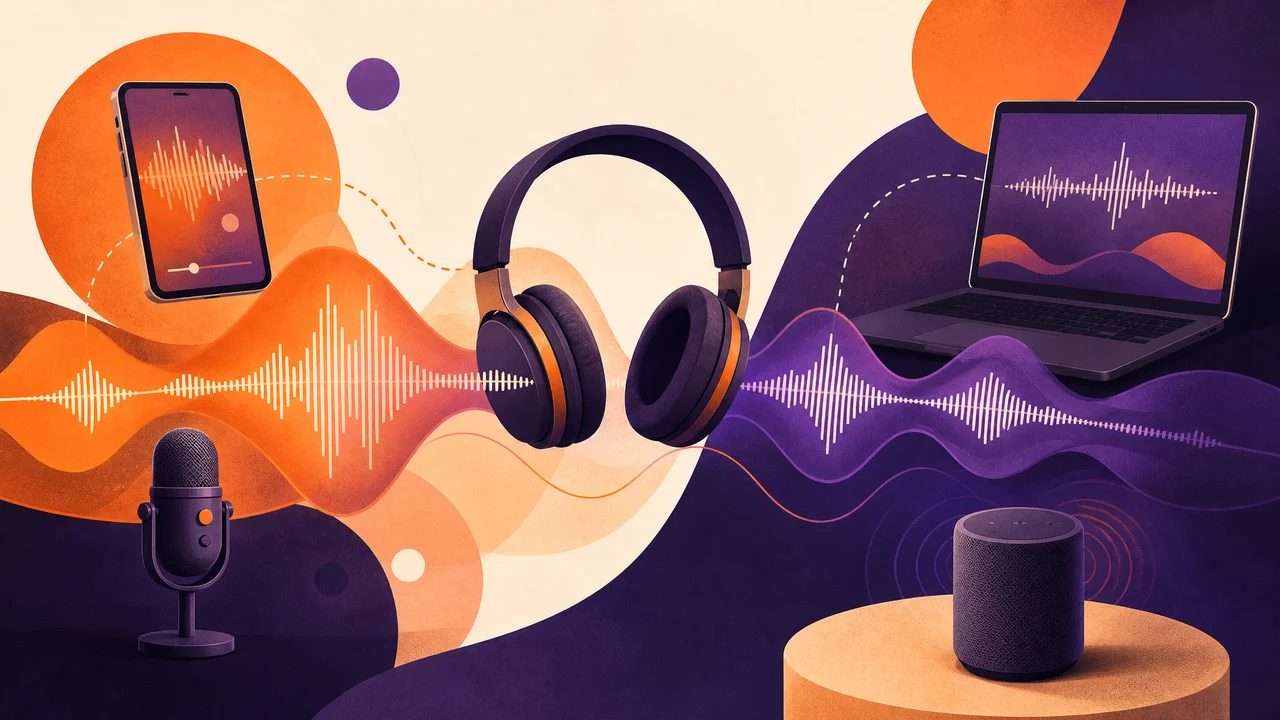
Sync relies on your account storing playback timestamps, queue order, and subscription lists on a cloud server. When you pause an episode on your phone during a commute, your laptop picks up at the exact same second when you sit down at your desk without any manual bookmarking.
Not all sync implementations are equal. Some apps sync within seconds using WebSocket connections, while others batch updates every few minutes via polling. Testing sync speed across your specific devices—phone, tablet, desktop, smart speaker—reveals whether the app meets your workflow expectations before you commit to migrating your library.
Which Podcast Apps Offer the Best Organization Features?
- Pocket Casts — Folders, filters, custom episode grouping, and up-next queue across all platforms
- Overcast — Smart playlists with priority rules and automatic filtering by play status (iOS only)
- Apple Podcasts — Channels, stations, and deep iOS integration with Siri shortcuts and Focus modes
- Spotify — Combined music and podcast library with collaborative playlist support and video podcasts
- Castro — Triage-based inbox model that lets you queue or archive new episodes instantly upon release
- Google Podcasts (successor: YouTube Music) — Integration with YouTube for video podcast playback
Your ideal choice depends on whether you prioritize automation, manual curation, or integration with a music library you already use. Power listeners lean toward Pocket Casts or Overcast, while casual users find Spotify's combined approach convenient enough to avoid maintaining a separate podcast app entirely.
Does Spotify Handle Podcasts as Well as Dedicated Apps?
Spotify invests heavily in podcast features, offering offline downloads, episode queues, and video podcast support alongside its music catalog. Its recommendation engine benefits from music listening data, surfacing podcasts that align with your broader taste profile across both audio formats.
The trade-off is organizational depth. Spotify lacks custom filters, per-podcast settings for playback speed, and advanced auto-download rules that dedicated apps provide. If your library exceeds 30 subscriptions, managing it inside Spotify becomes noticeably clunky compared to apps built exclusively for podcast organization.
Spotify's exclusive podcast deals also mean some shows are only available there. If a must-listen show is a Spotify exclusive, you may end up using two apps regardless—Spotify for exclusives and a dedicated app for everything else. This fragmentation frustrates power users but rarely bothers casual listeners.
How Do Smart Playlists and Filters Save Time?
Smart playlists automatically populate based on rules you define—unplayed episodes from specific shows, episodes shorter than 30 minutes, or newly released content from priority subscriptions. They eliminate manual queue management entirely and ensure you always have something ready when you press play.
Pocket Casts' filters and Overcast's smart playlists both support multi-condition rules. A commute playlist might combine episodes under 45 minutes from your top ten shows, sorted by release date, refreshed every morning before you leave home. A workout playlist could prioritize high-energy interview shows over meditative deep-dives.
What Playback Features Separate Premium Apps From Basic Ones?
Variable speed playback is standard everywhere, but premium apps add silence trimming and volume boost. Overcast's Smart Speed removes dead air without altering pitch, recovering an average of 15 percent of listening time across long-form interview shows. Over a year of daily listening, that recovered time adds up to dozens of extra episodes.
Chapter support, sleep timers with gradual fade, and per-show speed preferences elevate the experience further. Setting a true-crime series to 1x speed while accelerating news briefings to 1.5x means each genre plays at its optimal pace automatically without manual adjustment each time you switch shows.
Voice boost normalizes volume across episodes recorded at different levels. Without it, switching between a professionally produced NPR show and an indie podcast recorded on a laptop microphone forces constant volume adjustments. Premium apps handle this transparently so your earbuds stay comfortable.
Can You Sync Podcasts to a Smartwatch for Phone-Free Listening?
Apple Watch users can sync episodes directly from Apple Podcasts or Overcast for offline playback during runs and workouts. Pair with Bluetooth earbuds, leave the phone behind, and episodes play from the watch's onboard storage—ideal for gym sessions where carrying a phone feels cumbersome.
Wear OS watches support Spotify podcast downloads for Premium subscribers. The download process is slower than on phones due to watch hardware limitations, so syncing playlists overnight while the watch charges produces the most reliable results and ensures fresh content is ready each morning.
How Do You Discover New Podcasts Without Algorithm Overload?
Curated lists from podcast networks and editorial picks from app storefronts surface quality shows without algorithmic manipulation. Apple Podcasts' editorial collections and Pocket Casts' trending charts both prioritize human curation over engagement metrics, which tends to highlight quality over virality.
Listener communities on Reddit, podcast-specific forums, and social media threads often yield better recommendations than algorithms. A single question in a focused community—such as asking for history podcasts with primary-source research—returns targeted results no algorithm can match because community members understand nuance that keyword matching misses.
What Role Do Podcast Transcripts Play in Organization?
Apps offering searchable transcripts—Apple Podcasts and Spotify among them—let you locate specific moments within episodes by keyword. Searching for a guest's name or a topic across your entire subscription library turns a passive medium into a searchable reference tool useful for research, fact-checking, and revisiting key moments.
Transcripts also improve accessibility for listeners who are deaf or hard of hearing, expanding the podcast audience significantly. As automatic transcription quality improves through AI-powered speech recognition, this feature is transitioning from a novelty to an expected baseline in well-designed podcast apps.
How Should You Set Up Auto-Downloads to Avoid Storage Problems?
- Limit auto-downloads to your top 10 most-listened shows to prevent backlog accumulation
- Set a maximum episode age of 7 days so older unplayed episodes expire automatically
- Configure auto-delete to remove episodes 24 hours after completion to free space continuously
- Restrict downloads to Wi-Fi only to protect your cellular data allowance from surprise consumption
- Review storage usage monthly and archive shows you have not listened to in 60 days
Unmanaged auto-downloads are the fastest path to a full device. A hundred subscriptions downloading every new episode can consume 5–10 GB weekly. Selective rules prevent this while keeping your priority shows always ready for offline listening at a moment's notice.
Is It Worth Paying for a Podcast App?
Free apps handle basic playback and subscriptions competently. Paid options—Pocket Casts at a one-time purchase or Overcast Premium via annual subscription—add quality-of-life features that compound over hundreds of listening hours per year into meaningful time savings.
If podcasts occupy more than five hours of your week, the organizational and playback features in a premium app justify the small cost. Silence trimming alone recovers enough time to add an extra episode to your weekly rotation without extending your total listening hours. Custom filters prevent the growing-library overwhelm that causes many listeners to stop exploring new shows.
How Do You Move Your Podcast Library Between Apps?
OPML export is the universal standard for migrating podcast subscriptions. Export your subscription list as an OPML file from your current app, then import it into the new one. Subscriptions transfer instantly, though playback history and queue position do not migrate between different app ecosystems.
Some apps support account-based migration between platforms. Pocket Casts, for example, syncs your full library to its cloud regardless of which device or operating system you use, making platform switches seamless without touching OPML files. Your play history, filters, and episode progress follow your account rather than your device.
What Podcast Management Mistakes Should You Avoid?
Subscribing to every show that catches your attention creates an unmanageable backlog within weeks. Treat subscriptions like commitments—add a show only if you genuinely plan to listen to at least three episodes. Bookmark interesting shows for later exploration instead of subscribing immediately.
Ignoring notification settings leads to phone buzzing dozens of times daily as new episodes drop. Disable push notifications for all but your top five priority shows, and rely on smart playlists to surface new content when you are ready to listen rather than when the episode happens to publish.