Streaming Platforms That Deliver Quality Content Without Draining Your Wallet
Discover which streaming platforms offer the best shows, movies, and originals at prices that won't hurt your wallet. Compare features, libraries, and hidden perks across every major service.
Anúncios
Streaming subscriptions stack up fast. Netflix, Disney+, Max, Hulu, and Amazon Prime Video running simultaneously can push past $80 per month before you even watch a single episode. The trick is not subscribing to everything at once but picking platforms that deliver the most value per dollar for the content you actually care about.
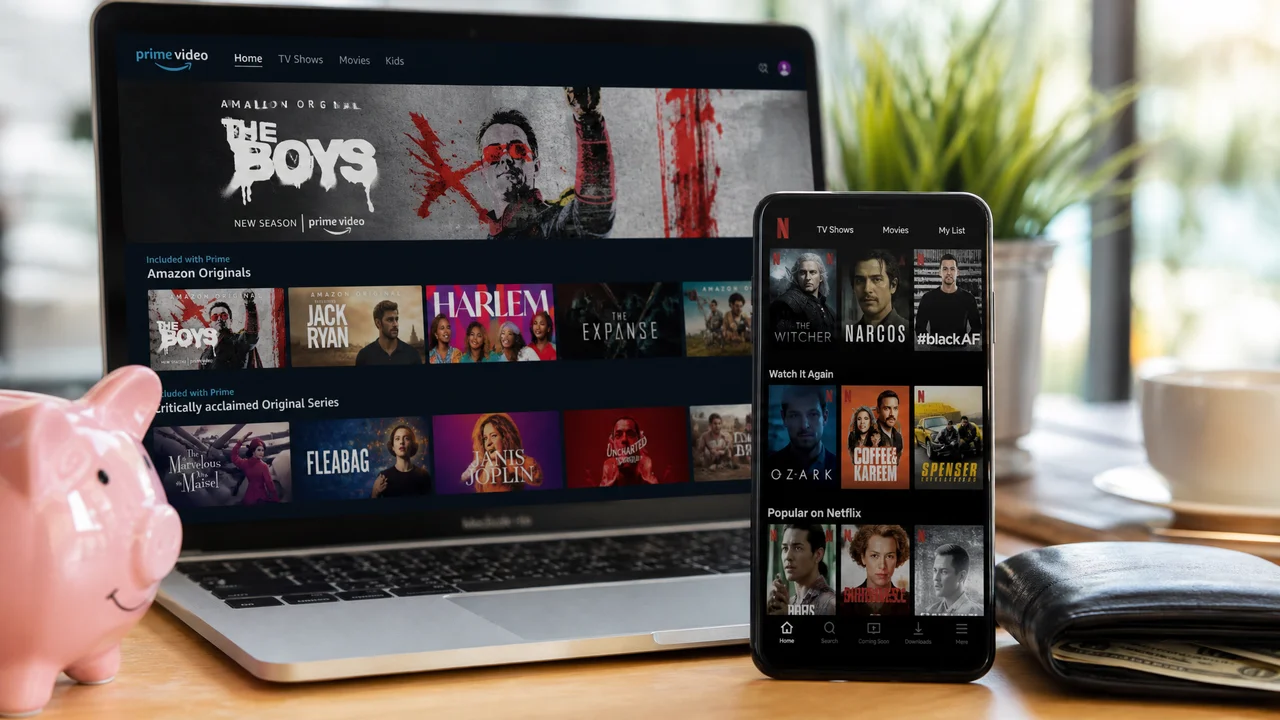
This guide compares every major streaming platform on price, content quality, library size, and hidden perks. Whether you want prestige drama, family animation, reality TV, or blockbuster movies, at least one affordable option covers your needs without forcing you to pay for content you will never touch.
Anúncios
How Much Does Each Streaming Platform Cost Right Now?
| Platform | Ad-Supported Tier | Ad-Free Tier | Premium Tier |
|---|---|---|---|
| Netflix | $7/mo | $16/mo | $23/mo (4K, 4 streams) |
| Disney+ | $8/mo | $14/mo | $14/mo (same as ad-free) |
| Hulu | $8/mo | $18/mo | $77/mo (+ Live TV) |
| Max (HBO) | $10/mo | $16/mo | $21/mo (4K, Dolby Atmos) |
| Amazon Prime Video | $9/mo (standalone) | $12/mo (+ no ads add-on) | $15/mo (full Prime) |
| Apple TV+ | N/A | $10/mo | $10/mo (only tier) |
| Peacock | $8/mo | $14/mo | $14/mo (same as ad-free) |
| Paramount+ | $6/mo | $12/mo | $12/mo (same as ad-free) |
Prices shift frequently as platforms adjust tiers and introduce new bundles. The table reflects current standard pricing, but promotional rates, annual billing discounts, and carrier perks can lower your actual cost significantly.
Anúncios
Which Platform Offers the Best Original Series?
Apple TV+ has the highest ratio of critically acclaimed originals to total library size. Shows like Severance, Ted Lasso, The Morning Show, and Silo compete for awards every season. The library is smaller than Netflix or Max, but nearly everything on it was produced with high budgets and top-tier talent.
Max leads for prestige drama thanks to the HBO catalog. The Last of Us, Succession, White Lotus, and Euphoria all live here alongside decades of HBO classics. Netflix wins on volume — no other platform produces as many original series across as many genres, though quality varies more widely.
Where Do You Get the Biggest Movie Library for the Money?
Amazon Prime Video carries one of the largest movie catalogs because it combines included titles with a rental and purchase store. The included library covers thousands of films across every genre, and Prime membership bundles shipping, music, and reading benefits that add value beyond video alone.
Peacock and Paramount+ punch above their price with deep back-catalogs from Universal and Paramount Studios. Classic franchises like Jurassic Park, Mission: Impossible, The Godfather, and Indiana Jones live on these platforms at the lowest ad-supported price points in the market.
Are Free Streaming Services Worth Your Time?
Tubi, Pluto TV, and Freevee offer thousands of movies and shows without charging a cent. The trade-off is ads, which interrupt content every 10 to 15 minutes. Libraries lean toward older titles and B-movies, but hidden gems surface regularly — classic thrillers, cult comedies, and complete TV series that left paid platforms.
Tubi in particular has expanded aggressively, licensing content that rivals some paid services. If you watch casually and tolerate ads, a free service can serve as your primary platform while you rotate paid subscriptions month to month for premium content.
How Does the Disney Bundle Save Money Compared to Separate Subscriptions?
The Disney Bundle combines Disney+, Hulu, and ESPN+ for roughly $15 per month with ads — less than subscribing to Disney+ and Hulu separately. The bundle covers family animation, adult drama, reality TV, and live sports in a single payment. For households that would subscribe to at least two of the three services, the math works out immediately.
Upgrading to the no-ads version of the bundle costs more but eliminates commercial breaks on Disney+ and Hulu while keeping ads on ESPN+ live events. If ads during kids' shows bother you more than ads during a basketball game, the partial upgrade targets exactly the right pain point.
What Hidden Perks Come With Each Streaming Subscription?
- Amazon Prime Video — Free two-day shipping, Prime Music, Prime Reading, Prime Gaming rewards
- Apple TV+ — Three months free with any new Apple device purchase, Apple Music and Arcade bundles via Apple One
- Hulu — Next-day access to current-season network TV episodes from ABC, NBC, and Fox
- Paramount+ — Free with select Walmart+ memberships, includes live CBS broadcasts
- Peacock — Live Premier League soccer matches and WWE events included at no extra cost
- Max — Same-day HBO theatrical movie premieres on select releases
These perks often tip the value calculation. If you already pay for Amazon Prime shipping, the video library is essentially free. If you buy Apple hardware regularly, the three-month Apple TV+ trial covers nearly a full season of new releases. Factor perks into your cost comparison before deciding which platforms earn a permanent spot in your rotation.
Should You Pay Monthly or Switch to Annual Billing?
Annual billing saves 15 to 20 percent on most streaming platforms. Disney+ annual costs roughly $80 compared to $96 if you pay monthly. Apple TV+ drops from $120 to $99 per year. The savings add up across multiple services, potentially freeing enough budget to add another platform without increasing total spending.
Annual billing only makes sense for services you use consistently. If you subscribe to Max for two months to binge a new season and then cancel, monthly billing costs less overall. Reserve annual commitments for your one or two anchor platforms and keep everything else on monthly rotation.
How Does the Rotation Strategy Keep Costs Under Control?
Instead of running five subscriptions simultaneously, keep two anchor services and rotate a third slot month by month. Subscribe to Max in January for a new HBO series, switch to Paramount+ in February for a movie premiere, and pick up Peacock in March for a live event. You access more content over a year than a static lineup provides.
Track premiere dates for shows you follow and align your rotation around them. A calendar reminder to cancel before the next billing cycle prevents forgotten charges. Most services let you resubscribe instantly with your old profile and watchlist intact, so there is no penalty for pausing.
Which Platform Has the Best Content for Kids and Families?
Disney+ dominates family content with Pixar, Marvel, Star Wars, National Geographic, and the entire Disney animated catalog. No competitor matches this breadth for children under 12. The parental controls, kids profiles, and curated collections make it the safest and most organized platform for young viewers.
Netflix competes with a strong originals slate including Bluey (depending on region), Cocomelon, and dozens of animated series. Amazon Kids+ offers a dedicated child-safe app. For families splitting between one adult-focused service and one kid-focused service, Disney+ paired with Netflix or Amazon covers virtually every need.
Do Ad-Supported Tiers Significantly Hurt the Viewing Experience?
Ad loads on streaming platforms run lighter than traditional cable. Netflix with ads shows roughly four to five minutes of commercials per hour, compared to 15-plus minutes on broadcast TV. Disney+ and Peacock fall in a similar range. The interruptions are noticeable but far less aggressive than what cable viewers tolerated for decades.
If you watch primarily on mobile during commutes or breaks, ads become natural pause points. For immersive movie-watching sessions on a big screen, the ad-free tier earns its premium. Splitting tiers — ad-supported on secondary platforms, ad-free on your primary — balances cost and experience effectively.
How to Audit Your Current Subscriptions and Cut Waste
Open your bank or credit card statement and highlight every recurring streaming charge. Total them up. Most people underestimate their streaming spend by $20 to $40 per month because individual charges feel small. Seeing the aggregate number on paper creates the motivation to trim.
For each service, check your watch history from the last 30 days. If you watched nothing, cancel it. If you watched one show that already finished, cancel it and resubscribe when the next season drops. Ruthless pruning keeps your lineup lean and your budget intact without sacrificing access to content you genuinely enjoy.
Frequently Asked Questions About Affordable Streaming
What is the cheapest way to access HBO content?
Can I share a streaming account with family to split costs?
Are there student discounts for streaming services?
How often do streaming platforms raise their prices?
Is it worth paying for 4K streaming on a budget?
Building a Streaming Setup That Respects Your Budget
The ideal streaming setup costs less than $40 per month and covers the content you watch every week. Pick one anchor platform for daily viewing, add a free service for casual browsing, and rotate a third subscription as new shows premiere. This three-layer approach delivers variety without the creeping cost of an all-access pass.
Treat streaming like a utility bill you actively manage rather than a set of autopay charges you forget about. Review your lineup quarterly, exploit bundles and carrier perks, and cancel anything that collects dust. The platforms will always be there when you want to come back — your job is making sure they earn each dollar you spend.