Streaming vs Cable Cost Breakdown: Real Numbers From a Household That Switched
Compare streaming vs cable cost with real household numbers. See monthly breakdowns, hidden fees, and tips to save on your entertainment budget.
Anúncios
Why We Decided to Cut the Cable After Fifteen Years
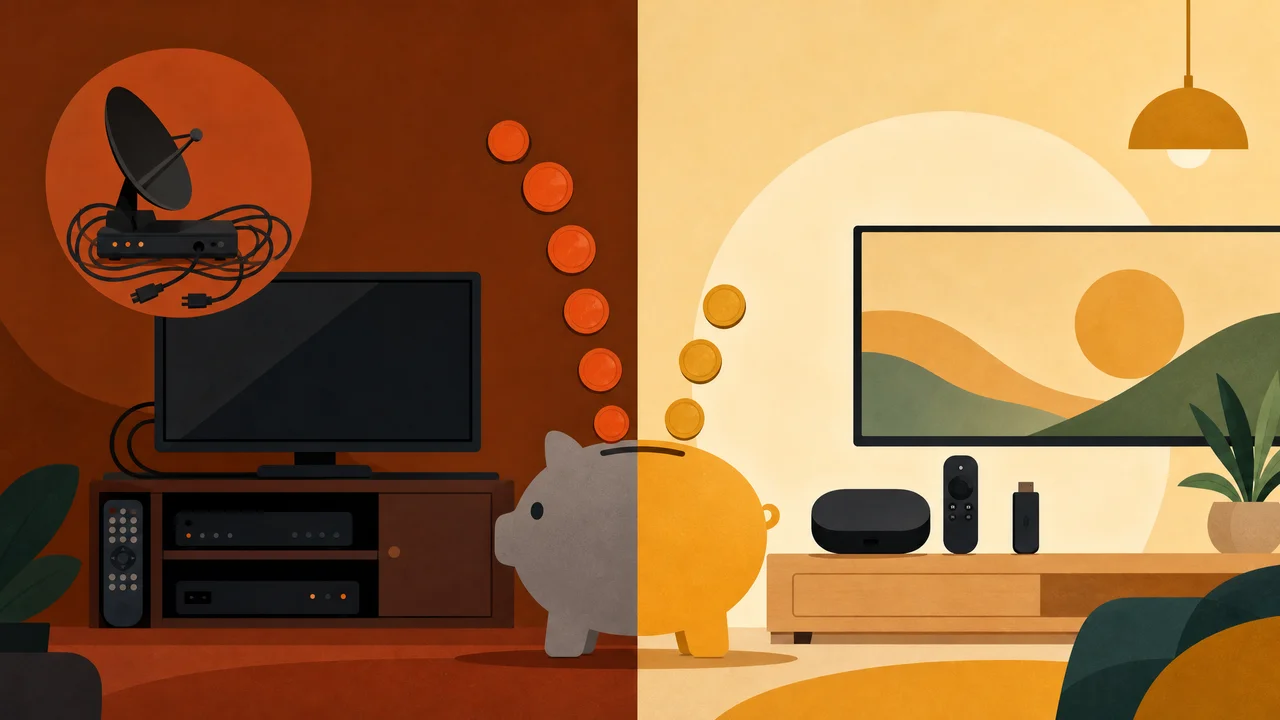
Our cable bill had crept to $187 per month, a number that included a base package, two DVR boxes, regional sports fees, and a bundle of channels nobody in the house watched. That monthly total—$2,244 per year—was enough to trigger a serious conversation about alternatives during a routine budget review.
Anúncios
The breaking point was realizing we watched five cable channels regularly while paying for 240. Sports kept us tethered longest, but once we discovered standalone options for live games, the last excuse evaporated. We canceled in March and tracked every dollar for twelve months to see whether the savings held up.
What Did Our Cable Bill Actually Include?
| Cable Line Item | Monthly Cost |
|---|---|
| Base TV package (240 channels) | $89.99 |
| DVR service (2 boxes) | $25.00 |
| Regional sports fee | $14.99 |
| Broadcast TV surcharge | $21.00 |
| HD technology fee | $10.00 |
| Taxes and regulatory fees | $26.02 |
| Total | $187.00 |
Anúncios
Hidden fees made up nearly a third of the bill. The broadcast surcharge and regional sports fee were not optional—they appeared automatically once you subscribed to any TV package. Equipment rental added further cost for hardware the provider owned and would reclaim if you canceled.
We called the cable company to negotiate before canceling. They offered a promotional rate that cut $40 per month for six months—then reverted to full price plus an additional annual increase. The pattern of introductory discounts masking long-term price hikes reinforced our decision to leave.
How Did We Build Our Streaming Replacement Stack?
We started by listing every show each household member watched regularly, then matched those shows to streaming services. Three services covered 90 percent of our viewing. A fourth handled live sports. That stack became our baseline for the first three months.
We deliberately avoided subscribing to everything at once. Rotating one service in and out each month—bingeing its backlog, then pausing—keeps the effective monthly spend lower than maintaining all subscriptions simultaneously year-round. A shared family calendar tracks which service is active and when it pauses.
What Does Our Monthly Streaming Cost Look Like?
| Service | Plan | Monthly Cost |
|---|---|---|
| Netflix | Standard (1080p, 2 screens) | $15.49 |
| Disney+ Bundle | Duo Basic (Disney+ & Hulu with ads) | $10.99 |
| YouTube TV | Base plan (live TV + DVR) | $72.99 |
| Amazon Prime Video | Included with Prime membership | $0 (already subscribed) |
| Antenna (one-time cost amortized) | Local channels OTA | $2.50 |
| Total | $101.97 |
The antenna was a $30 investment that pulls in local broadcast channels for free. Amortized over twelve months, it adds a trivial cost while eliminating the broadcast TV surcharge cable providers embed in every bill. We mounted it in the attic and connected it to a network tuner so every TV in the house receives the signal.
How Much Did We Save in the First Year?
Cable would have cost $2,244 over twelve months. Our streaming stack totaled $1,223.64 for the same period, producing net savings of $1,020.36 in year one. That figure includes a one-time $85 investment in two streaming devices and the antenna.
Year two savings increase because the hardware cost disappears. Projected annual spend drops to roughly $1,138, widening the gap to over $1,100 in yearly savings assuming cable prices continue their typical 5–8 percent annual increase.
We tracked impulse rentals separately. Over twelve months, we rented seven new-release movies at an average of $5.99 each, adding $41.93 to the streaming total. Even including those unplanned purchases, the savings remained well above $950 for the year.
Did We Lose Any Content We Actually Cared About?
Two shows required workarounds. One aired exclusively on a cable-only channel with no standalone streaming app, so we bought a season pass for $24.99 through Apple TV. The other moved to a service we rotated in for two months specifically to catch new episodes before pausing again.
Regional sports proved the trickiest gap. YouTube TV covers most major networks, but one niche league required a separate $5.99/month add-on during its season. We treated this as a seasonal expense rather than a year-round subscription, subscribing only for the four months the league was active.
What Surprised Us Most About Switching?
The DVR replacement was better than expected. YouTube TV's unlimited cloud DVR records everything without storage limits and keeps recordings for nine months. Our cable DVR held about 50 hours and constantly ran out of space during premiere weeks, forcing difficult choices about what to keep.
Channel surfing disappeared, and we did not miss it. Browsing a streaming library with intention replaced the passive habit of flipping through channels and settling for whatever happened to be on. Viewing hours dropped by roughly 30 percent while satisfaction with what we watched actually increased.
The biggest surprise was how quickly the entire household adapted. Within two weeks, even the least tech-comfortable family member navigated streaming apps confidently. The learning curve was real but brief—far shorter than we anticipated.
Is the Streaming Setup More Complicated to Use?
Initial setup took an afternoon: installing apps, logging into accounts, and configuring the antenna. Once everything was in place, daily use is simpler than cable. Voice search on streaming devices finds content across all apps simultaneously, eliminating the need to remember which service carries which show.
The only friction point involves switching between apps for different content. A universal search feature on Roku, Apple TV, or Google TV reduces this to a minor inconvenience rather than a genuine hassle. Compared to navigating a cable box's clunky program guide, the streaming experience feels faster and more responsive.
How Does Internet Cost Factor Into the Equation?
We already had a 100 Mbps internet plan at $55/month that handled streaming comfortably for our household of four. Households without existing broadband need to add internet cost to the comparison, which changes the math significantly.
Cable bundles often discount internet when paired with TV, so unbundling can raise the standalone internet price by $15–$30. Even after accounting for that increase, our total spending remained well below the cable-era figure. The math only breaks even if your ISP charges unusually high standalone rates in a market with no competitive alternative.
What Are the Hidden Costs of Streaming Nobody Mentions?
- Impulse rentals — New releases not included in any subscription tempt you to rent at $5.99–$19.99 each
- Password crackdowns — Sharing accounts across households increasingly triggers extra-member fees of $7–$8 monthly
- Ad-free upgrades — Starting on an ad-supported tier often leads to upgrading within months once ad fatigue sets in
- Annual price hikes — Streaming services raise prices 10–15 percent annually, steadily eroding savings over time
- Subscription creep — Adding 'just one more' service each year compounds quickly and can approach cable costs
Discipline matters. Without actively managing subscriptions—pausing unused ones, resisting impulse rentals, reviewing charges quarterly—the cost gap between cable and streaming narrows faster than most cord-cutters expect.
How Do Streaming Price Increases Affect Long-Term Savings?
Streaming services have raised prices consistently since launch. Netflix increased its standard plan price four times in five years. Disney+ launched at $6.99 and crossed $13.99 within three years. Projecting these trends forward, the combined cost of four services will likely exceed $150/month within five years.
Cable prices also rise annually, typically at 5–8 percent. The question is not whether streaming stays cheap forever but whether it remains cheaper than the cable alternative over your specific time horizon. Currently, the gap is wide enough that even aggressive streaming price hikes leave most households ahead.
Should Your Household Make the Switch?
The financial case is strongest for households that watch a defined set of shows and can tolerate rotating subscriptions. Families addicted to live channel surfing or deeply invested in a regional sports package may find the transition less financially rewarding.
Run your own numbers before canceling. List your current cable charges, identify which streaming services carry your must-watch content, and estimate your realistic monthly spend including internet adjustments. The decision becomes obvious once the spreadsheet fills in with your actual data.
What Would We Do Differently If Starting Over?
- Buy a quality antenna first and test local channel reception before subscribing to any live TV service
- Start with two streaming services maximum and add only when you exhaust their libraries completely
- Set calendar reminders to review and cancel unused subscriptions every 90 days without exception
- Negotiate a standalone internet rate with your ISP before canceling the TV bundle to avoid surprise increases
- Keep a shared household watchlist to prevent duplicate subscriptions across family members
Cutting cable saved our household over a thousand dollars in the first year while improving our viewing experience. The numbers speak for themselves, but the real gain was watching content we chose rather than content the channel schedule dictated.