Best Projectors for Streaming Movies at Home
Best projectors for streaming movies at home. Compare 4K, 1080p, and portable projectors with built-in streaming apps and smart TV features.
Anúncios
Projectors transform streaming from a TV experience into a cinematic one. Modern projectors ship with built-in streaming apps, Wi-Fi connectivity, and picture quality that rivals dedicated home theater setups at surprisingly accessible prices.
Why Use a Projector Instead of a TV for Streaming?
Anúncios
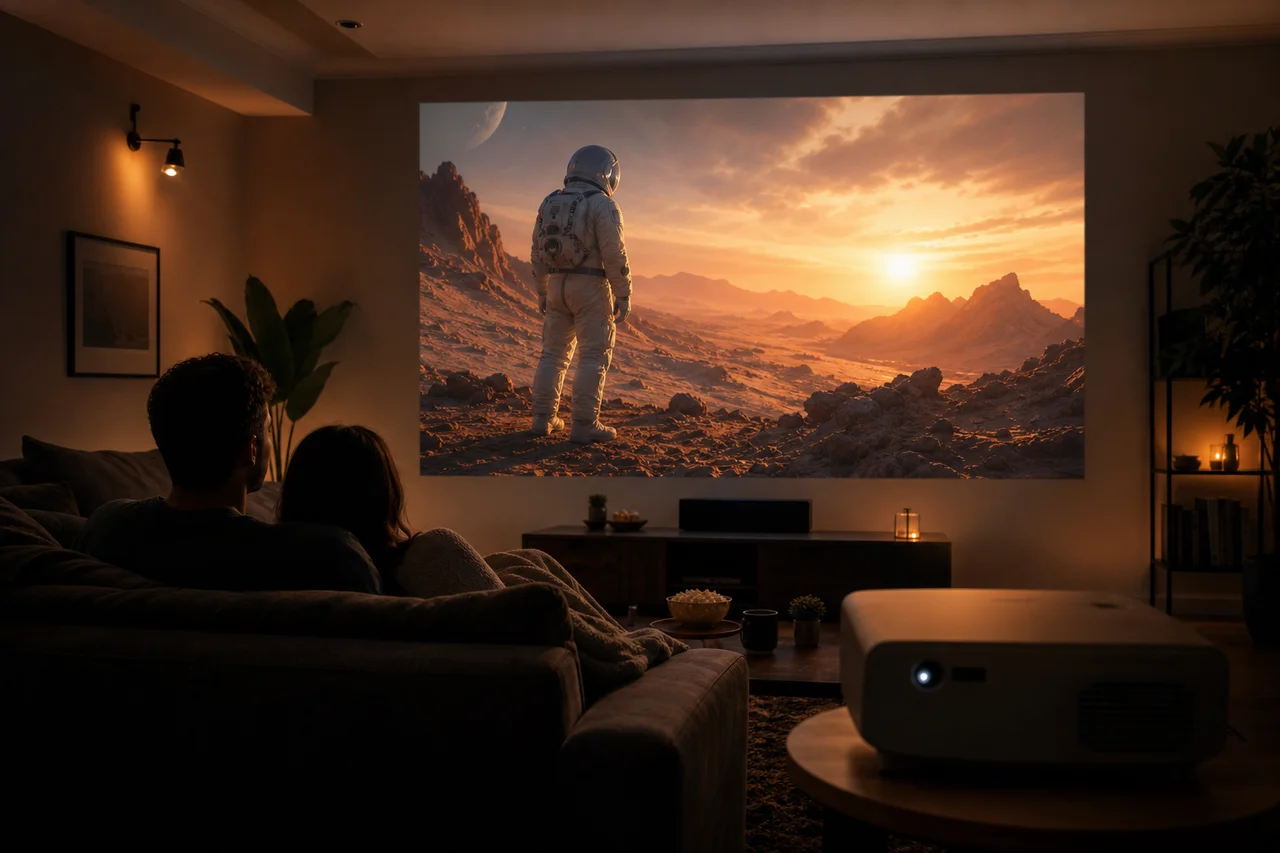
Projectors deliver screen sizes from 80 to 300 inches at costs far below equivalent-sized TVs. A 100-inch projected image creates immersive viewing that no affordable television can match. Movie nights, sports events, and gaming sessions all benefit from the larger canvas.
Portability adds another advantage. Unlike a 75-inch TV permanently mounted on your wall, projectors move between rooms, backyards, and even camping trips. A streaming projector and a blank wall create an instant theater anywhere.
Do Projectors Come With Built-In Streaming Apps?
Anúncios
Many modern projectors include Android TV, Google TV, or proprietary smart platforms with pre-installed streaming apps. Models from BenQ, Epson, XGIMI, and Anker Nebula run Netflix, YouTube, Disney+, and other services directly without external devices.
Built-in smart platforms vary in quality. Dedicated projector brands often run smoother software than budget models with bolted-on Android systems. Reading reviews about the smart platform specifically helps avoid sluggish interfaces.
What Resolution Should a Streaming Projector Have?
Native 1080p resolution provides a sharp, enjoyable image for most streaming content at screen sizes up to 120 inches. 4K projectors deliver noticeably better detail on screens above 100 inches but cost significantly more.
Avoid projectors with native 720p or 480p resolution, even if they advertise "supported 4K input." The native resolution determines actual picture sharpness. A native 1080p projector with good contrast beats a budget 720p model claiming 4K compatibility.
How Bright Does a Projector Need to Be?
Brightness measured in lumens determines visibility in different lighting conditions. For a dedicated dark room, 1,500 lumens works well. Living rooms with ambient light need 2,500 to 3,000 lumens minimum. Outdoor evening use requires at least 2,000 lumens.
- Dark home theater room: 1,500-2,000 lumens sufficient
- Living room with some light control: 2,500-3,000 lumens
- Bright room or office: 3,500+ lumens needed
- Outdoor evening use: 2,000-3,000 lumens recommended
- Outdoor daytime use: 5,000+ lumens (very expensive)
Can You Connect a Streaming Stick to a Projector?
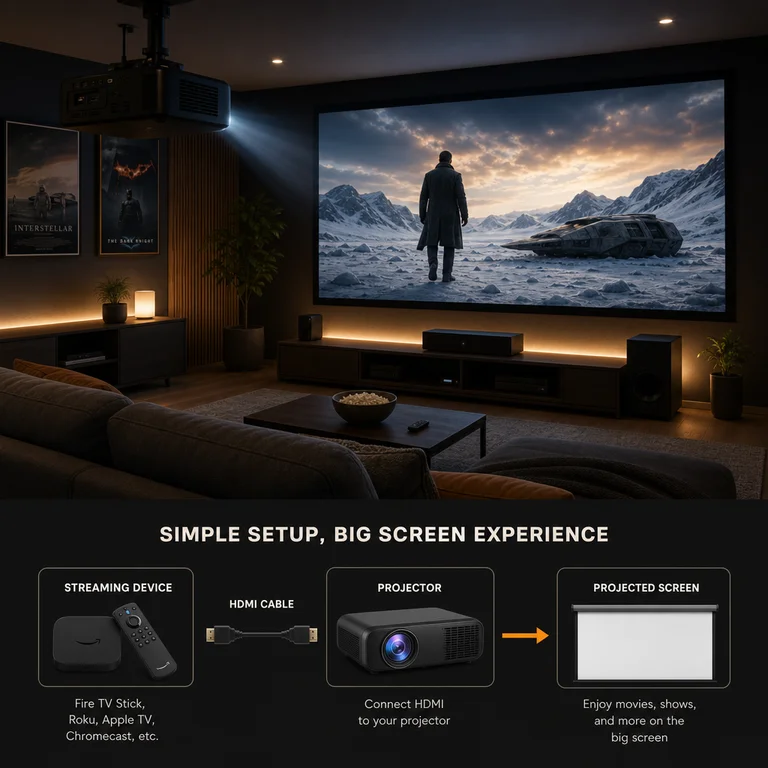
Any projector with an HDMI port accepts a streaming stick. Plugging a Roku, Fire Stick, or Chromecast into a projector gives you the same streaming experience as connecting to a TV. This approach often outperforms the projector's built-in apps.
Streaming sticks draw power from USB ports. Most projectors include USB ports that supply enough power. If the projector's USB port proves insufficient, a small USB power adapter solves the problem.
What About Audio With Projector Streaming?
Built-in projector speakers range from barely audible to surprisingly decent. Budget projectors typically produce thin, quiet sound. Premium models from XGIMI and JBL-equipped projectors deliver room-filling audio suitable for casual viewing.
For serious movie watching, pair your projector with a Bluetooth soundbar or external speaker system. Most modern projectors support Bluetooth audio output, allowing wireless connection to quality speakers without running cables across the room.
Short Throw vs Standard Throw: Which Works Better?
Standard throw projectors need 8 to 12 feet of distance for a 100-inch image. Short throw models achieve the same size from 3 to 5 feet. Ultra-short throw projectors sit inches from the wall, projecting upward onto the screen.
Small rooms benefit enormously from short throw technology. Ultra-short throw projectors replace TVs entirely, sitting on a TV stand and projecting onto the wall above them. The premium price makes them a significant investment compared to standard models.
Are Portable Projectors Good Enough for Streaming?
Portable projectors trade brightness and resolution for battery power and compact size. Models like the Anker Nebula Capsule and XGIMI MoGo deliver 720p to 1080p images with two to three hours of battery life. They excel at backyard movie nights.
Keep expectations realistic with portable models. They struggle in any ambient light and produce smaller images than full-size projectors. For dedicated indoor streaming, a standard projector connected to power delivers a vastly better experience.
How Much Does a Good Streaming Projector Cost?
Budget 1080p projectors with smart features start around $200 to $400. Mid-range models with better brightness and color accuracy run $500 to $800. Premium 4K projectors and ultra-short throw models start at $1,000 and climb to $3,000 or more.
The sweet spot for most streaming enthusiasts sits between $400 and $700. This range buys native 1080p, adequate brightness for moderately lit rooms, built-in smart platforms, and reliable brand support from manufacturers like XGIMI, BenQ, and Epson.
Do You Need a Projector Screen?
A white or light gray wall works surprisingly well as a projection surface. Dedicated screens improve image quality by providing a uniform, reflective surface that enhances brightness and color accuracy. Pull-down screens start at $30 for basic models.
Ambient light rejecting screens combat room lighting by reflecting projector light toward viewers while absorbing light from other angles. These specialized screens cost more but transform bright-room projection quality dramatically.
What Streaming Features Should You Look For?
Prioritize auto-focus, auto-keystone correction, and built-in Wi-Fi. These features eliminate tedious manual adjustments every time you move or power on the projector. Auto-keystone straightens the image even when projected at an angle.
Dual-band Wi-Fi ensures stable streaming without buffering. HDMI eARC support passes high-quality audio to external sound systems. Look for at least two HDMI inputs if you plan to connect both a streaming device and a gaming console.
Picking the Right Projector for Your Space
Measure your throw distance, assess room lighting, and decide between portability and permanent installation. These three factors narrow your options faster than specifications or reviews. Match the projector to your room and your streaming habits will follow naturally.