Best Streaming Devices for Seniors and Non-Tech Users
Best streaming devices for seniors and non-tech users. Simple remotes, easy interfaces, voice control, and setup tips for frustration-free streaming.
Anúncios
Streaming devices open a world of entertainment, but complicated interfaces drive non-tech users away before they start. The right device with the right setup makes streaming accessible for seniors, parents, and anyone who prefers simplicity over features.
What Makes a Streaming Device Senior-Friendly?
Anúncios
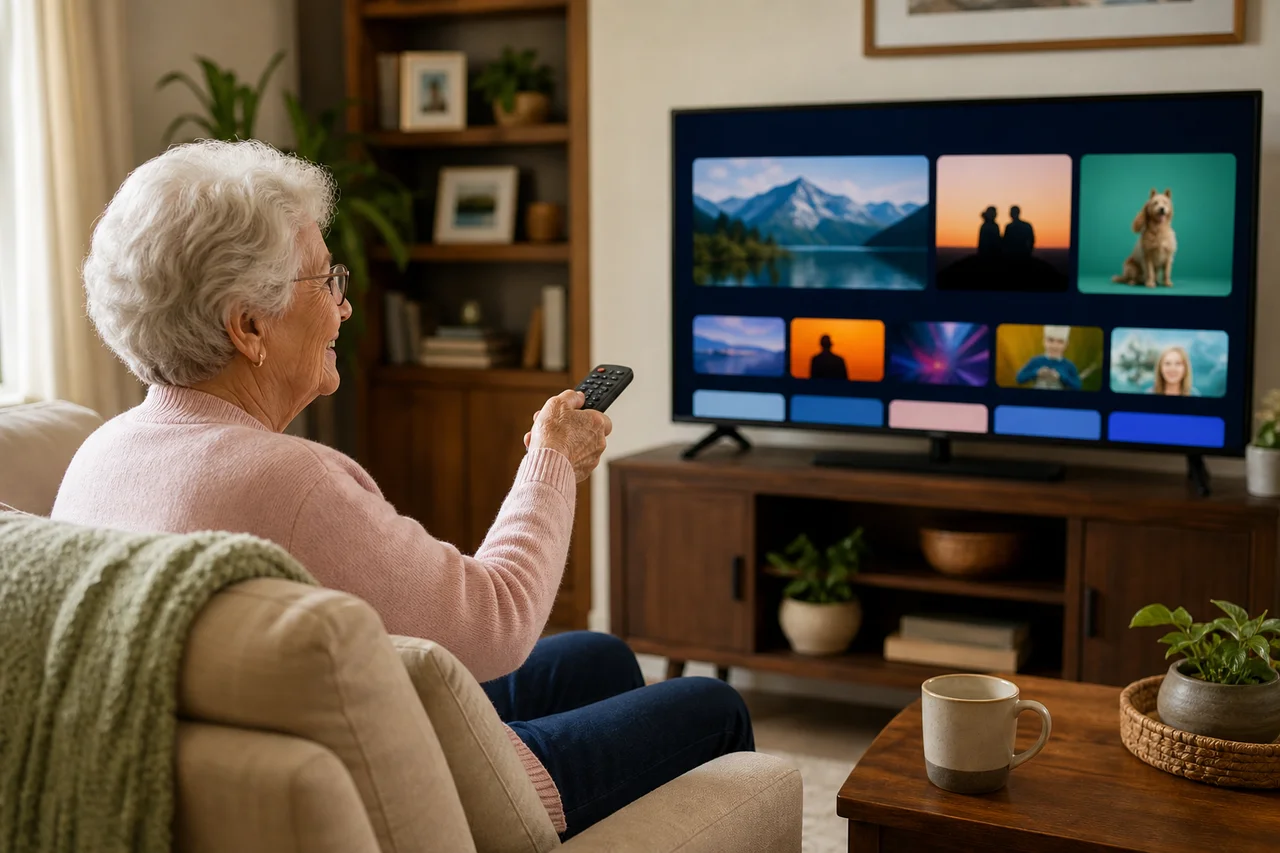
Senior-friendly streaming devices share common traits: simple remotes with few buttons, clean home screens without overwhelming options, reliable voice search, and minimal setup complexity. The interface should feel intuitive after one demonstration.
Physical remote design matters as much as software. Large, well-spaced buttons with tactile differences between them help users navigate without looking at the remote. Backlit buttons assist in dimly lit rooms where streaming typically happens.
Why Is Roku the Top Pick for Non-Tech Users?
Anúncios
Roku consistently earns recommendations for simplicity. The home screen displays apps as large, clearly labeled tiles. Navigation uses straightforward up-down-left-right movement. The remote includes dedicated buttons for popular services that launch apps with a single press.
Roku avoids the content recommendation algorithms that clutter other platforms. Users see their installed apps and nothing else. This predictable layout means the screen looks the same every time, reducing confusion for users who rely on visual memory.
How Does Apple TV Work for Older Adults?
Apple TV works exceptionally well for seniors already using iPhones or iPads. The interface uses familiar Apple design patterns, and Siri voice search handles show requests naturally. Accessibility features include VoiceOver screen reading and enlarged text options.
The higher price becomes justifiable when family members can provide remote tech support through FaceTime or screen sharing. Apple's ecosystem consistency means seniors who learned their iPhone can apply similar logic to navigating Apple TV.
Is the Fire Stick Too Complicated for Beginners?
The Fire TV interface presents more visual complexity than Roku, with content recommendations, ads, and multiple navigation rows. This can overwhelm users who just want to find their show and press play. However, Alexa voice control simplifies content discovery significantly.
Saying "Alexa, play The Crown on Netflix" skips all menu navigation entirely. For voice-comfortable users, the Fire Stick becomes remarkably simple despite its busy interface. The key is teaching voice commands as the primary navigation method.
Which Remote Is Easiest to Use?
The Roku remote wins for physical simplicity. It features clearly labeled buttons, a comfortable size, and dedicated app shortcut buttons that eliminate multi-step navigation. The voice button sits prominently for easy access to voice search.
- Roku remote: Simple layout, dedicated app buttons, voice search
- Apple TV Siri Remote: Minimalist design, touch-sensitive surface
- Fire TV remote: Alexa voice button, TV controls built in
- Chromecast remote: Compact design, Google Assistant button
The Apple TV Siri Remote looks elegant but its touch-sensitive surface confuses some seniors who accidentally swipe when reaching for buttons. The clickpad on newer models helps, but Roku's straightforward button layout remains more intuitive for first-time users.
How Do You Set Up a Streaming Device for a Senior?
Complete the entire setup yourself before handing over the device. Sign into all streaming apps, arrange the home screen with favorite services first, enable voice search, and adjust display settings for the TV. Remove or hide apps they will never use.
Create a simple one-page instruction sheet with large text covering three scenarios: how to start watching, how to search for a show, and how to turn everything off. Laminate it and place it next to the remote for easy reference.
What Accessibility Features Help Older Users?
All major streaming devices offer accessibility settings. Increase text size for readability. Enable closed captions by default for hearing assistance. Activate audio descriptions for visually impaired users. These settings persist across all apps once configured.
High contrast modes improve readability on the home screen. Screen magnification helps users who struggle with small interface elements. Roku, Apple TV, and Fire TV all include comprehensive accessibility menus within their settings.
Can Voice Control Replace Remote Navigation?
Voice search eliminates the most frustrating part of streaming for non-tech users: typing with a remote. Pressing the microphone button and saying a show name, actor name, or genre delivers results instantly without navigating menus.
Some seniors resist talking to devices. For these users, the Roku approach of visual tiles and directional navigation works better. Respect personal comfort levels and offer both options during setup, letting the user gravitate toward their preferred method.
How Do You Handle Multiple Streaming Subscriptions?
Limit the number of installed apps to prevent decision paralysis. Two to three streaming services cover most viewing needs. Pin these apps to the first positions on the home screen so they appear immediately without scrolling.
Universal search features on Roku and Apple TV find content across all installed services. This means users can search once and see which app carries their desired show, avoiding the confusion of checking each service individually.
What Happens When Something Goes Wrong?
Teach one troubleshooting step: unplug the device, wait ten seconds, plug it back in. This solves the vast majority of streaming issues. Label the power adapter with tape or a tag so the user knows which cable to unplug during troubleshooting.
Set up remote access if possible. Apple TV allows screen sharing through HomeKit. Third-party apps on phones can manage Roku devices remotely. Being able to help without visiting in person saves time for both the senior and their tech-support family member.
Should You Consider a Roku TV Instead?
A Roku TV eliminates the separate streaming device entirely. Turning on the TV goes straight to the Roku home screen with no input switching required. One remote controls everything. For seniors buying a new television, a Roku TV simplifies the entire experience.
TCL and Hisense sell affordable Roku TVs that combine solid picture quality with the simplest streaming interface available. This single-device approach removes the confusion of multiple remotes and input selection that trips up many non-tech users.
Making Streaming Enjoyable for Everyone
Patience during setup and a willingness to simplify create the best experience. Remove complexity wherever possible, focus on the two or three apps the person actually uses, and ensure voice search works reliably. A confident user becomes an independent streamer.