Gaming Consoles as Streaming Devices: PS5, Xbox, Switch
Use your PS5, Xbox Series X, or Nintendo Switch as a streaming device. Compare app support, 4K quality, and features against dedicated streaming sticks.
Anúncios
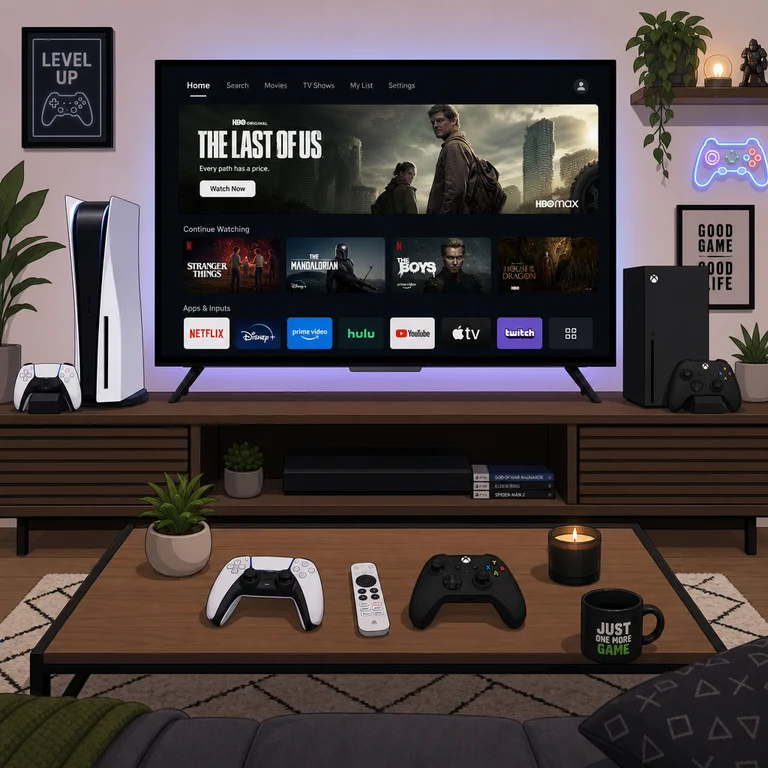
Gaming consoles already sit next to millions of TVs worldwide. The PS5, Xbox Series X, and Nintendo Switch all run streaming apps, turning expensive gaming hardware into multipurpose entertainment hubs that compete with dedicated streaming devices.
Which Streaming Apps Run on Gaming Consoles?
Anúncios
PS5 and Xbox Series X support all major streaming services: Netflix, Disney+, Hulu, Amazon Prime Video, YouTube, HBO Max, Peacock, Paramount+, Apple TV+, and Spotify. The Nintendo Switch carries a much smaller selection, primarily YouTube and Hulu.
App availability on PlayStation and Xbox rivals dedicated streaming devices. Missing niche apps are rare, and new services typically launch on consoles shortly after appearing on traditional streaming platforms.
How Does PS5 Perform as a Streaming Device?
Anúncios
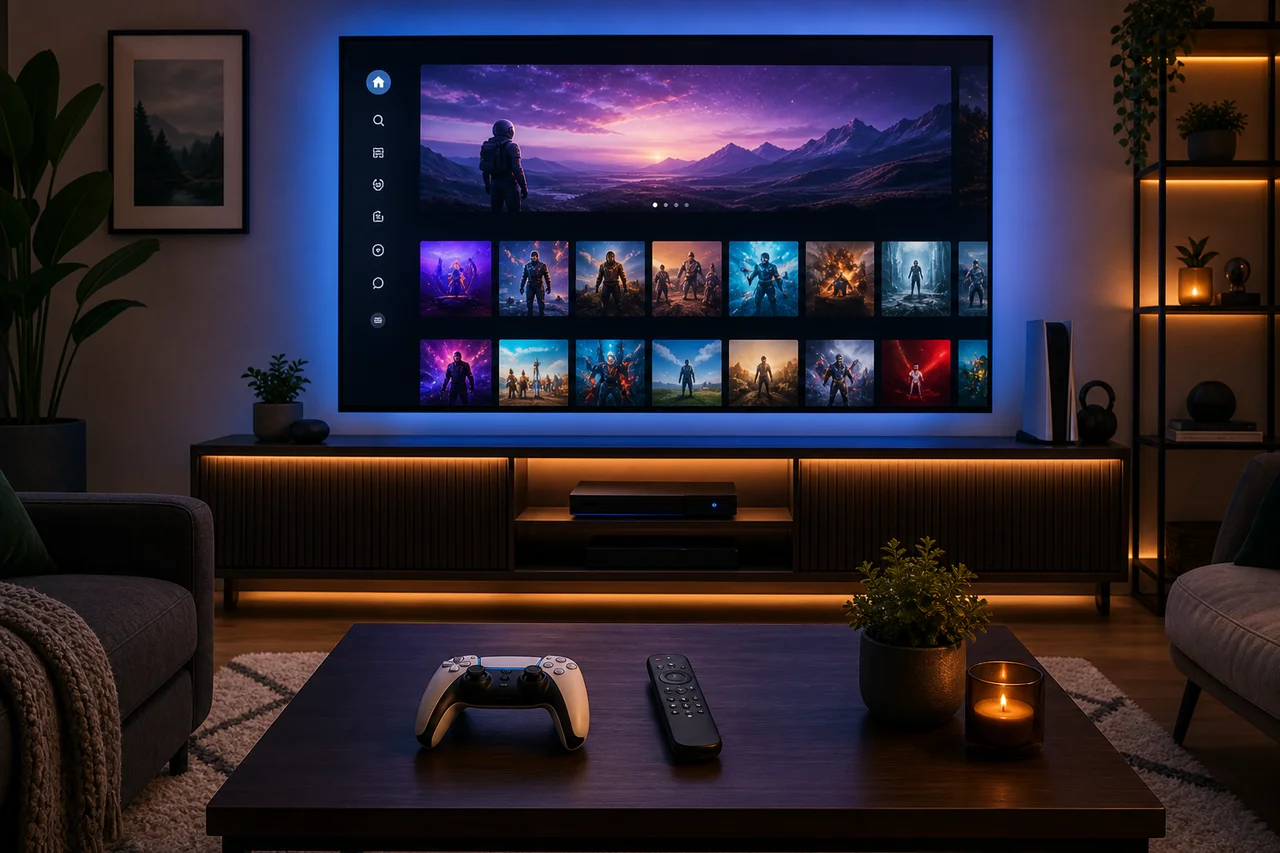
The PS5 delivers excellent streaming quality with 4K HDR output and Dolby Atmos support through compatible apps. Its powerful custom AMD processor loads apps instantly, and the system runs near-silently during video playback when the disc drive stays idle.
Sony included a dedicated media remote accessory for the PS5 that simplifies streaming navigation. Without it, using the DualSense controller for streaming works but feels clunky compared to a standard streaming remote.
Is Xbox Series X Better for Streaming Than PS5?
Xbox Series X matches PS5 in streaming capability with 4K HDR, Dolby Vision, and Dolby Atmos support. Microsoft actually leads in Dolby Vision streaming support, with more apps outputting Dolby Vision on Xbox than PlayStation.
The Xbox media remote provides a traditional TV remote experience. Xbox also integrates with HDMI-CEC more reliably, allowing your TV remote to control basic playback functions without reaching for the Xbox controller.
What About the Nintendo Switch for Streaming?
The Nintendo Switch offers limited streaming capability. YouTube and Hulu represent the primary options, with no Netflix, Disney+, or Amazon Prime Video support. The 1080p maximum output and small app selection make it a poor dedicated streaming device.
Portable streaming on the Switch's built-in screen works acceptably for YouTube during travel. However, anyone serious about streaming should look beyond the Switch to either a different console or a budget streaming stick.
Power Consumption: Console vs Streaming Stick
Power consumption represents the biggest disadvantage of using consoles for streaming. A PS5 draws 40 to 70 watts during video playback. An Xbox Series X uses 40 to 50 watts. A Roku Express draws about 3 watts.
- Roku Express: ~3 watts during streaming
- Fire TV Stick: ~4 watts during streaming
- Apple TV 4K: ~6 watts during streaming
- PS5: ~45 watts during video playback
- Xbox Series X: ~45 watts during video playback
- Nintendo Switch (docked): ~18 watts during streaming
Over a year of daily streaming, a console costs roughly $15 to $25 more in electricity than a streaming stick. This ongoing expense adds up, especially for households that stream several hours daily.
Do Consoles Support Voice Search for Content?
PS5 supports voice commands through the DualSense microphone, though it focuses on game functions rather than content search. Xbox integrates Alexa and Google Assistant for broader voice control including streaming app navigation.
Neither console matches the seamless voice search experience of dedicated streaming devices. Saying a movie title into a Fire Stick or Roku remote searches across all installed apps simultaneously — consoles search within individual apps only.
How Quick Is App Switching on Consoles?
PS5 and Xbox Series X switch between streaming apps quickly thanks to their fast SSD storage and powerful processors. Loading Netflix or Disney+ takes under three seconds on current-gen consoles, matching or beating most streaming sticks.
Consoles pause games when switching to streaming apps. Returning to the game resumes where you left off. This quick-switch capability makes consoles surprisingly convenient for households that alternate between gaming and streaming sessions.
Can You Watch Live TV on a Gaming Console?
YouTube TV, Hulu Live, and other live streaming services run on PS5 and Xbox. These apps deliver the same channel lineup and DVR features as their streaming stick counterparts. Sports fans can watch live games through ESPN+ and other sports apps.
Xbox previously supported an HDMI pass-through feature for cable boxes, though Microsoft discontinued this in newer models. Current consoles handle live TV exclusively through streaming apps rather than traditional cable integration.
What Are the Downsides of Console Streaming?
Fan noise during extended sessions bothers some users, especially with disc-based consoles. Boot time adds seconds compared to instant-on streaming sticks. The controller feels oversized for simple play and pause actions during movie watching.
Automatic system updates sometimes interrupt planned streaming sessions. Consoles prioritize game updates that can consume bandwidth and delay access to streaming apps until downloads finish.
Should You Buy a Console Just for Streaming?
Buying a $300 to $500 console purely for streaming makes no financial sense. A $30 streaming stick delivers the same streaming experience at a fraction of the cost with lower power consumption and simpler operation.
However, if you already own a console, using it for streaming eliminates the need for an additional device. The console handles everything one box can offer — gaming, streaming, Blu-ray playback, and media center duties combined.
How Do Last-Gen Consoles Hold Up for Streaming?
PS4 and Xbox One still run all major streaming apps effectively. They lack 4K output on base models but handle 1080p streaming perfectly. PS4 Pro and Xbox One X added 4K streaming support and remain viable streaming devices today.
Older consoles will eventually lose app support as streaming services phase out legacy platforms. For now, PS4 and Xbox One serve as capable streaming devices, extending their usefulness well beyond their prime gaming years.
The Verdict: Console Streaming Worth It?
If a console already sits in your entertainment center, use it for streaming and skip buying a separate device. The experience matches dedicated streamers in quality while simplifying your setup. Just accept the higher power bill and occasional controller awkwardness.