Smart TV vs Streaming Stick: Do You Really Need Both?
Smart TV vs streaming stick comparison. Find out if your built-in TV apps are enough or if adding a Roku, Fire Stick, or Chromecast improves your experience.
Anúncios
Most modern televisions ship with built-in streaming apps, raising a fair question: why would anyone spend extra money on a separate streaming stick? The answer involves performance, updates, and long-term value that smart TV platforms often fail to deliver.
Why Do Smart TVs Have Built-In Apps?
Anúncios
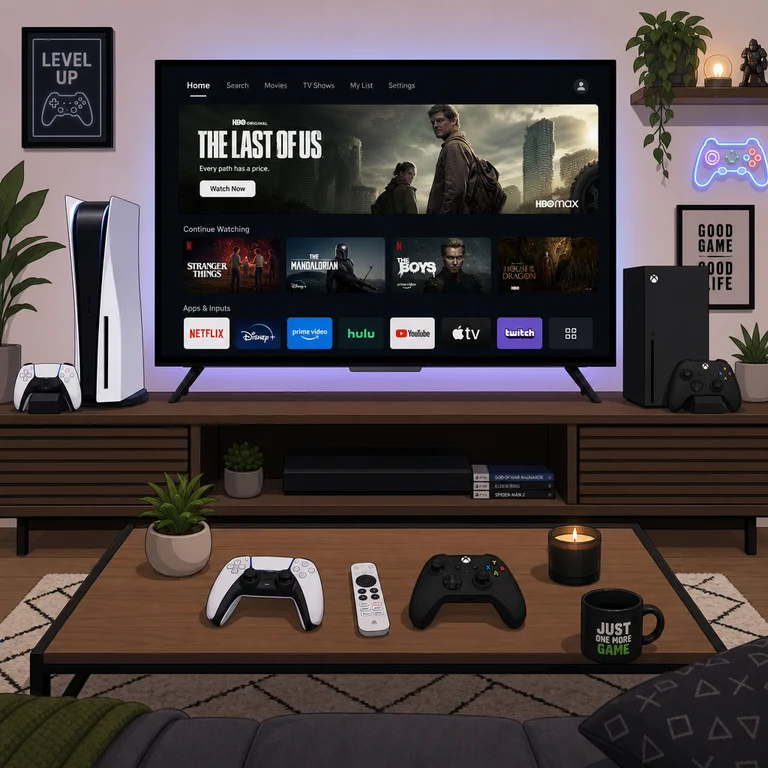
TV manufacturers include streaming platforms to make their products feel complete out of the box. Samsung uses Tizen, LG runs webOS, and budget brands often rely on Roku TV or Google TV as their operating system.
These built-in systems work fine initially. Problems surface after two or three years when the TV's processor slows down and app updates stop arriving. Your TV screen stays beautiful, but the software behind it ages poorly.
What Advantages Does a Streaming Stick Offer?
Anúncios
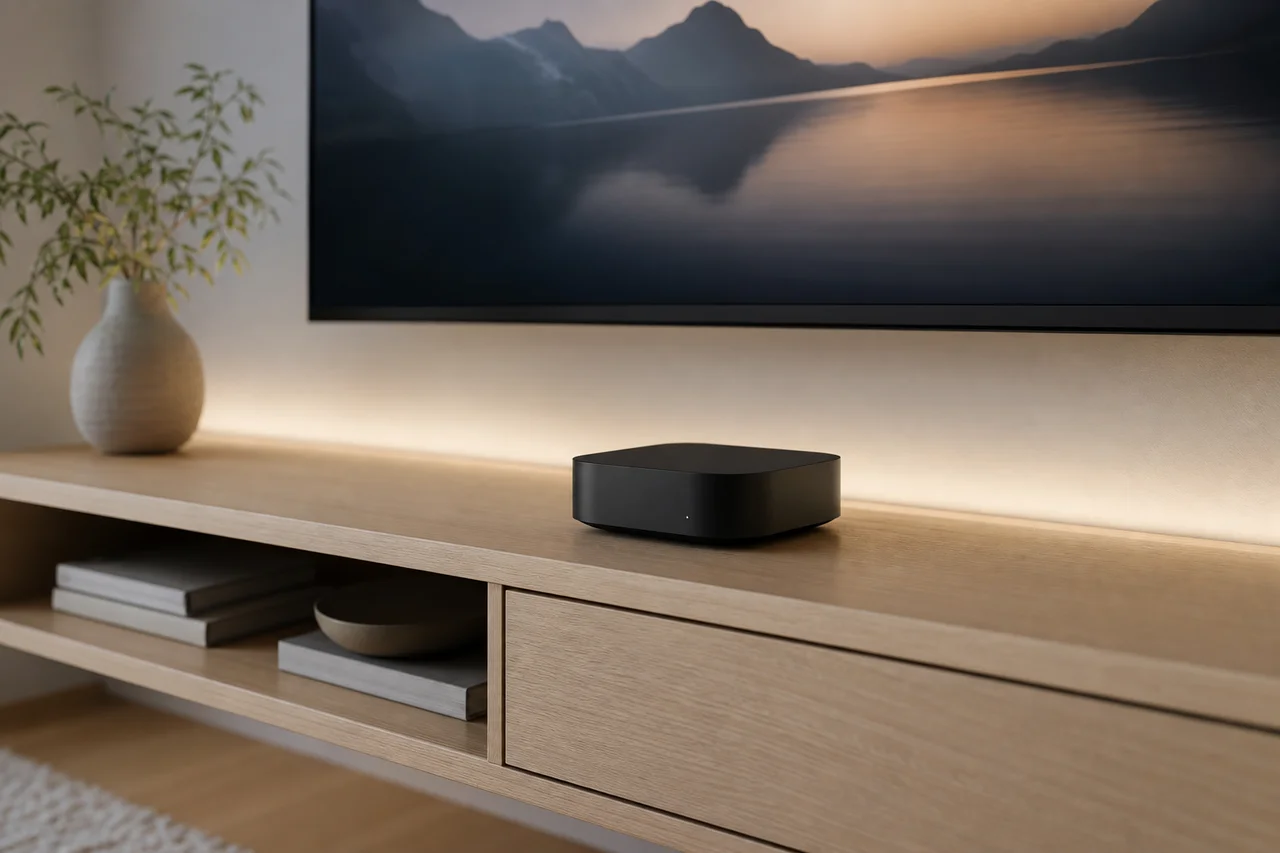
Streaming sticks pack newer processors, receive regular software updates, and cost a fraction of a new TV. Replacing a $30 Fire Stick every few years keeps your streaming experience fresh without touching the television itself.
Dedicated streaming devices also tend to run apps more smoothly than budget smart TVs. The interface responds faster, apps load quicker, and voice search works more reliably on purpose-built hardware.
Smart TV Performance: Where It Falls Short
TV manufacturers prioritize screen quality over processing power. The chip inside a $500 television often matches what you find in a $25 streaming stick. This compromise shows when navigating menus, switching between apps, or loading content.
Buffering, slow app launches, and occasional crashes plague older smart TVs. These issues worsen over time as streaming apps grow more demanding while the TV's hardware remains frozen at its release-date specifications.
How Long Do Smart TV Apps Receive Updates?
Most smart TV platforms receive meaningful updates for three to five years. After that window closes, apps may stop working entirely. Netflix, Disney+, and other services eventually drop support for outdated TV operating systems.
Streaming sticks face the same sunset timeline, but replacing a $40 device feels very different from replacing a $700 television. The modular approach keeps your setup current at minimal cost.
App Selection: Smart TV vs Dedicated Device
Dedicated streaming platforms like Roku and Fire TV maintain larger app libraries than most smart TV operating systems. Samsung's Tizen and LG's webOS miss certain niche apps that streaming sticks carry without issue.
- Roku: Over 10,000 channels and apps available
- Fire TV: Extensive library with Amazon exclusives
- Samsung Tizen: Major apps present, niche options limited
- LG webOS: Solid basics, slower to add new services
- Google TV: Strong app selection via Play Store
Does a Streaming Stick Improve Picture Quality?
A streaming stick does not change your TV's panel quality. However, premium sticks like Apple TV 4K and Fire Stick 4K Max handle HDR format switching better than some smart TV apps. Dolby Vision and HDR10+ compatibility can improve with a better streaming device.
Audio processing also benefits. Streaming sticks often handle Dolby Atmos passthrough more reliably, sending proper spatial audio signals to your soundbar or AV receiver without the conversion issues some smart TVs introduce.
When Should You Skip the Streaming Stick?
Brand-new smart TVs with current operating systems work perfectly fine for the first couple of years. If your TV runs Roku TV, Google TV, or a recent version of webOS, adding an external device provides minimal immediate benefit.
Single-service households that only use Netflix or YouTube rarely need the expanded app libraries streaming sticks provide. The built-in app handles those services just as well in most cases.
What About Privacy and Data Collection?
Smart TVs collect viewing data through automatic content recognition technology. Adding a streaming stick does not eliminate this tracking, but it shifts your primary usage data to the stick's platform instead of the TV manufacturer.
Roku, Amazon, and Google all collect usage data for advertising purposes. Apple TV collects less behavioral data by default. Neither option offers complete privacy, but you can choose which company sees your viewing habits.
Can You Use Both Simultaneously?
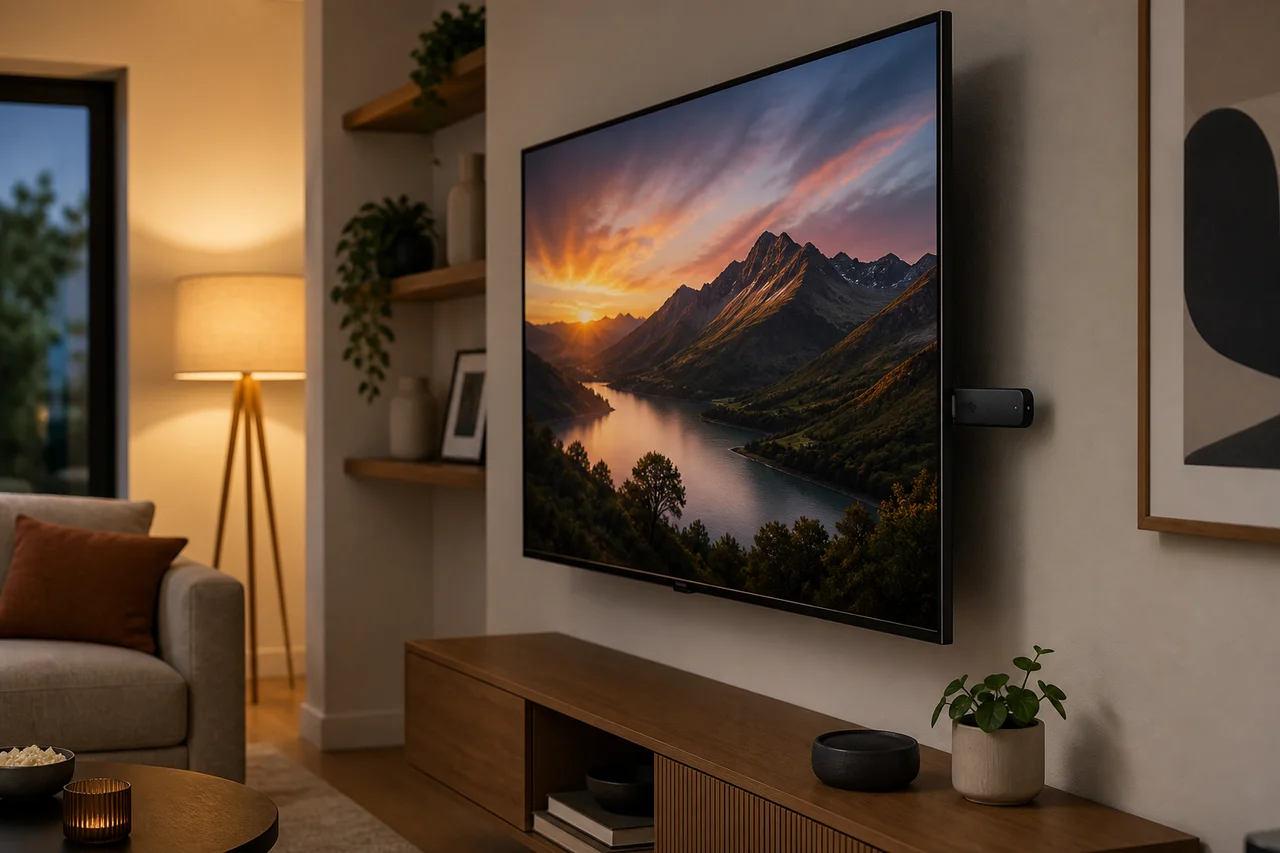
Using both is the most common setup. The streaming stick handles daily viewing while the smart TV's built-in apps serve as a backup. Some apps perform better natively on certain TV platforms, so having both options available adds flexibility.
Switching between inputs takes seconds with most TV remotes. Many streaming stick remotes include TV power and volume buttons, so you rarely need to juggle two remotes during normal use.
How Much Money Does a Streaming Stick Save Long-Term?
Replacing a streaming stick every three years costs roughly $100 to $150 over a decade. Buying a new smart TV to get updated software costs ten times that amount. The math strongly favors keeping a good display and upgrading the streaming device separately.
This approach also reduces electronic waste. A small streaming stick has a fraction of the environmental footprint compared to manufacturing and shipping a new television every few years.
Which Streaming Stick Works Best with Smart TVs?
Roku sticks pair well with non-Roku TVs because they replace the entire software experience. Fire Sticks integrate best with Alexa-equipped homes. Chromecast suits Android phone users who cast frequently. Apple TV complements any setup where iPhones and iPads dominate.
Avoid duplicating ecosystems. Plugging a Roku stick into a Roku TV adds no value. Matching your streaming device to your phone and smart home platform creates the smoothest overall experience.
Should You Buy a Dumb TV and Add a Stick Instead?
True "dumb" TVs barely exist anymore. Commercial displays and monitors lack smart features but also skip TV tuners and convenient remote controls. For most buyers, purchasing a smart TV and ignoring its built-in apps while using a streaming stick remains the practical approach.
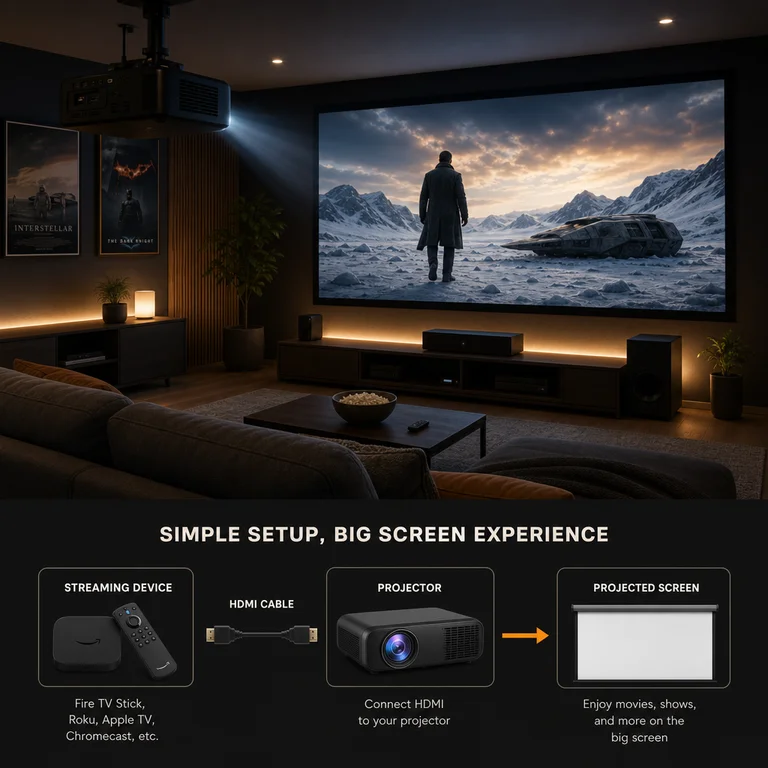
Some budget monitors with HDMI inputs make excellent streaming displays when paired with a capable stick. This combo suits bedrooms, kitchens, and secondary viewing spaces where smart TV features go unused anyway.
Final Take: Smart TV Apps or Streaming Stick?
Use your smart TV's built-in apps until they frustrate you, then add a streaming stick. This approach maximizes value from both purchases. The stick extends your TV's useful life by years and keeps the streaming experience snappy regardless of the television's age.