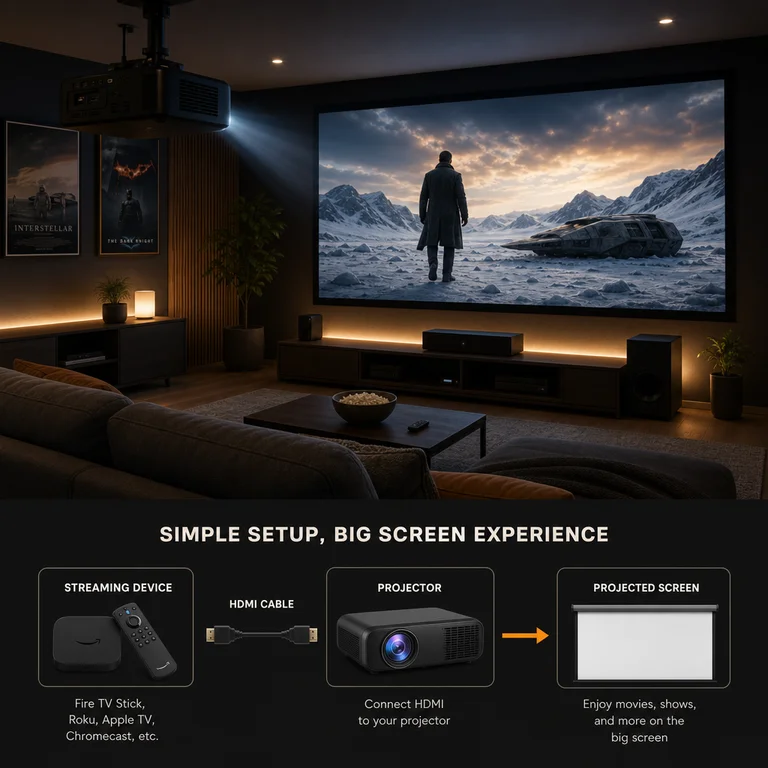
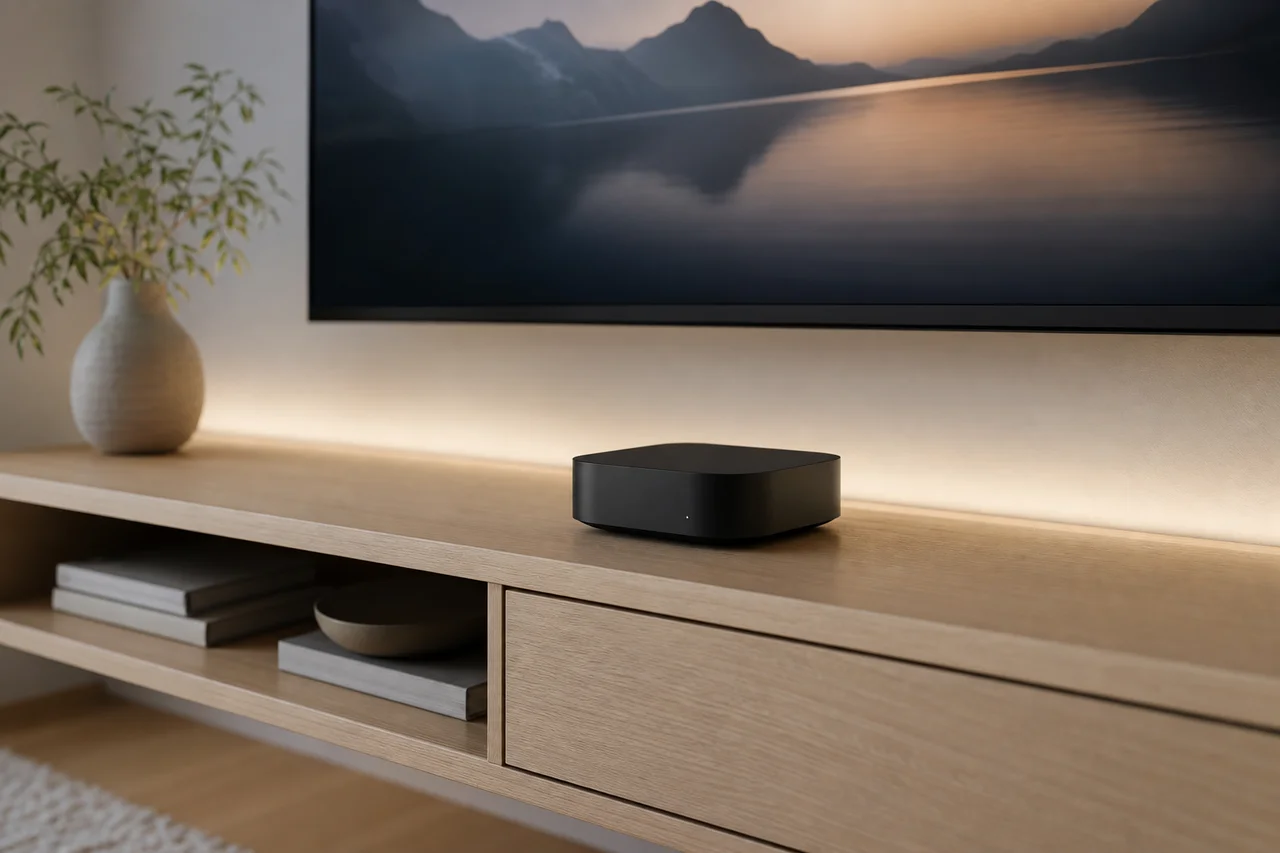
Soundbar and Streaming Device Combos That Save Space
Best soundbar and streaming device combos. All-in-one soundbars with built-in streaming, smart pairings, and space-saving setups for your entertainment center.
Anúncios
Soundbars and streaming devices solve two different problems that share the same TV. Pairing them smartly reduces cable clutter, saves shelf space, and creates a streamlined entertainment setup that looks intentional rather than assembled from random parts.
Why Pair a Soundbar With a Streaming Device?
Anúncios
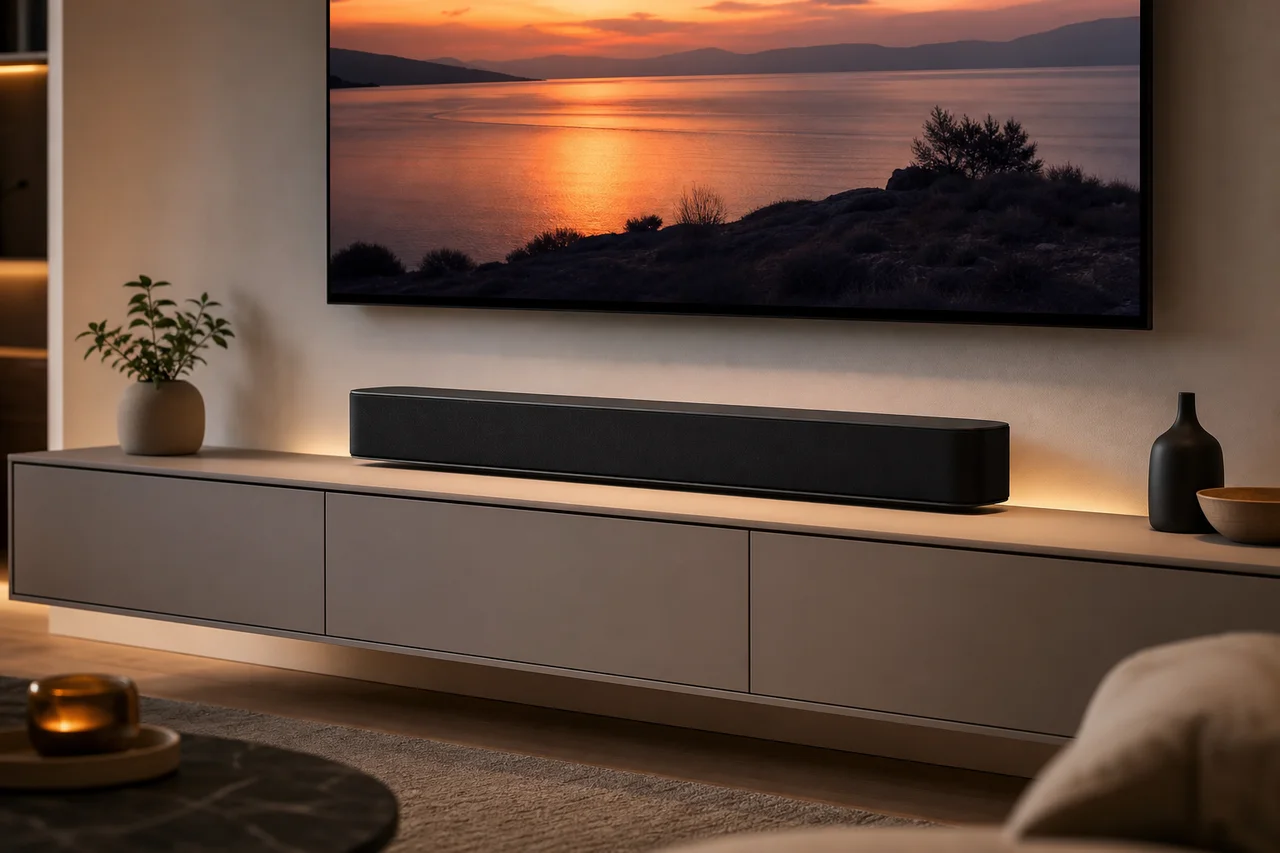
Modern TVs sacrifice speaker quality for thinner designs. Built-in TV speakers produce flat, tinny audio that fails action scenes and music. A soundbar restores the depth and clarity that thin panels cannot deliver on their own.
Streaming devices add app variety, faster performance, and better voice control than most smart TV platforms. Together, a soundbar and streaming stick transform a basic TV into a capable home theater without the complexity of a full surround system.
Do Any Soundbars Have Built-In Streaming?
Anúncios
Several soundbars now include built-in streaming capabilities. The Roku Streambar combines a competent soundbar with full Roku streaming in one device. Amazon Fire TV Soundbar integrates Fire TV functionality. JBL and Sonos offer bars with AirPlay, Chromecast, and Spotify Connect built in.
These all-in-one solutions eliminate one device and one HDMI connection from your setup. The Roku Streambar in particular delivers solid streaming performance with decent audio at a price point around $100 to $130.
How Does the Roku Streambar Perform?
The Roku Streambar outputs 4K HDR video while pumping audio through four internal speakers. Sound quality exceeds built-in TV speakers by a wide margin, though dedicated soundbars at higher price points outperform it in bass response and volume.
As a streaming device, it runs the full Roku platform with access to every app available on a standard Roku stick. Voice search, private listening through the Roku app, and wireless speaker expansion all work identically to standalone Roku hardware.
What Is the Best Soundbar for a Fire Stick Setup?
Pair a Fire TV Stick with a soundbar that supports HDMI ARC or eARC for seamless audio routing. The TV connects to the soundbar via HDMI ARC, and the Fire Stick plugs into a separate HDMI port. Your TV remote controls volume on the soundbar automatically.
Amazon's own Fire TV Soundbar simplifies things further by combining Fire TV and audio in one unit. For better audio quality, pairing a Fire Stick 4K Max with a Samsung, Sony, or Sonos soundbar delivers superior results at a higher total cost.
How Should You Connect Everything Together?
The cleanest setup routes everything through HDMI ARC. Connect your soundbar to the TV's ARC-labeled HDMI port. Plug the streaming device into another HDMI port. The TV passes audio from the streaming device to the soundbar automatically.
- Connect soundbar to TV via HDMI ARC or eARC port
- Plug streaming device into a separate HDMI port on the TV
- Enable CEC in TV settings for unified remote control
- Set TV audio output to external speaker or HDMI ARC
- Test audio by playing content from the streaming device
Does HDMI ARC vs eARC Matter for Streaming?
HDMI ARC handles standard surround sound formats including Dolby Digital and DTS. HDMI eARC adds support for high-resolution audio like Dolby Atmos and DTS:X. If your soundbar supports Atmos, you need eARC on both the TV and soundbar for full functionality.
Most budget and mid-range soundbars do not support Dolby Atmos, making ARC sufficient for the majority of setups. Check your soundbar's specifications before worrying about eARC compatibility — standard ARC covers most streaming audio needs.
Can You Use One Remote for Everything?
HDMI-CEC allows a single remote to control the TV, soundbar volume, and streaming device simultaneously. Roku, Fire Stick, and Chromecast remotes all include TV power and volume buttons that work with CEC-enabled setups out of the box.
Enable CEC in your TV's settings menu. Different manufacturers use different names: Samsung calls it Anynet+, LG uses SimpLink, and Sony labels it BRAVIA Sync. The functionality is identical regardless of the marketing name.
What About Wireless Surround Sound With Streaming?
Sonos, Roku, and Amazon offer wireless surround expansion. The Roku Streambar pairs with Roku wireless speakers for rear channels. Sonos soundbars add Sonos Era speakers as surrounds. These systems create immersive audio without running speaker wire across the room.
Wireless surround sound works well for streaming movies and shows that include surround audio tracks. The convenience of wire-free installation makes this approach increasingly popular for renters and anyone avoiding permanent cable management solutions.
How Much Should You Spend on a Soundbar Combo?
A Roku Streambar or Amazon Fire TV Soundbar provides both streaming and audio for $100 to $150. Pairing a separate $30 streaming stick with a $100 to $200 soundbar offers better audio quality with more flexibility. Premium Atmos soundbars with streaming sticks total $300 to $600.
The all-in-one approach saves money and reduces complexity. The separate approach delivers better audio performance. Your budget and audio priorities determine which path makes more sense for your specific setup.
Do Soundbars Improve Dialogue Clarity for Streaming?
Dramatically. Muffled dialogue ranks as the top complaint about TV audio. Soundbars separate voice frequencies from background effects, making conversations clear even during loud action sequences. Many include dedicated dialogue enhancement modes.
Center channel speakers in three-channel and five-channel soundbars specifically handle dialogue. Even a basic two-channel soundbar improves voice clarity over built-in TV speakers because the larger drivers reproduce midrange frequencies more accurately.
Can You Add a Subwoofer to These Setups?
Most soundbar brands offer matching wireless subwoofers that pair seamlessly. Adding a sub transforms movie bass, explosions, and music low-end from suggested rumble to physical impact. Wireless subwoofers can hide behind furniture anywhere in the room.
Budget all-in-one units like the Roku Streambar lack subwoofer output. Upgrading to a soundbar with a wireless sub inclusion starts around $200 and makes a substantial difference for anyone who watches action movies or listens to music regularly.
Best Combo Recommendations by Budget
Under $150, the Roku Streambar or Amazon Fire TV Soundbar delivers the best value as standalone units. Between $150 and $300, pair a Fire Stick 4K Max with a Samsung or Vizio soundbar. Above $300, combine an Apple TV 4K with a Sonos Beam for premium quality.
Match your audio investment to your viewing habits. Casual viewers benefit from all-in-one simplicity. Movie enthusiasts and music lovers gain more from investing in a dedicated soundbar paired with their preferred streaming device.